
Amazon Fire Max 11 Keyboard Case
4.6Editor score
Integrated trackpad for navigation
Pogo pin power connection
Recycled plastic materials used
This guide compares the top 10 Keyboard Case for Fire Max 11 options to help you choose the best accessory for productivity and protection.
Finding the right Keyboard Case for Fire Max 11 can transform your tablet into a powerful productivity tool. Whether you need to type documents or browse the web comfortably, a good case offers protection and typing convenience in one sleek package.
We evaluated ten top-rated keyboard cases based on build quality, typing experience, battery life, and compatibility. Each product was analyzed for its unique features, including backlight options, trackpad support, and magnetic attachment mechanisms to ensure they meet diverse user needs.
Each pick below highlights key strengths and potential trade-offs to help you decide. Note that availability and stock levels can change frequently, so check current listings before purchasing to ensure you get the right model for your Fire Max 11 tablet.
4.6Editor score
4.5Editor score

4.5Editor score
The following table provides a side-by-side comparison of the top rated keyboard cases available for the Fire Max 11. Review each product carefully to understand how its unique features compare before making your final decision.
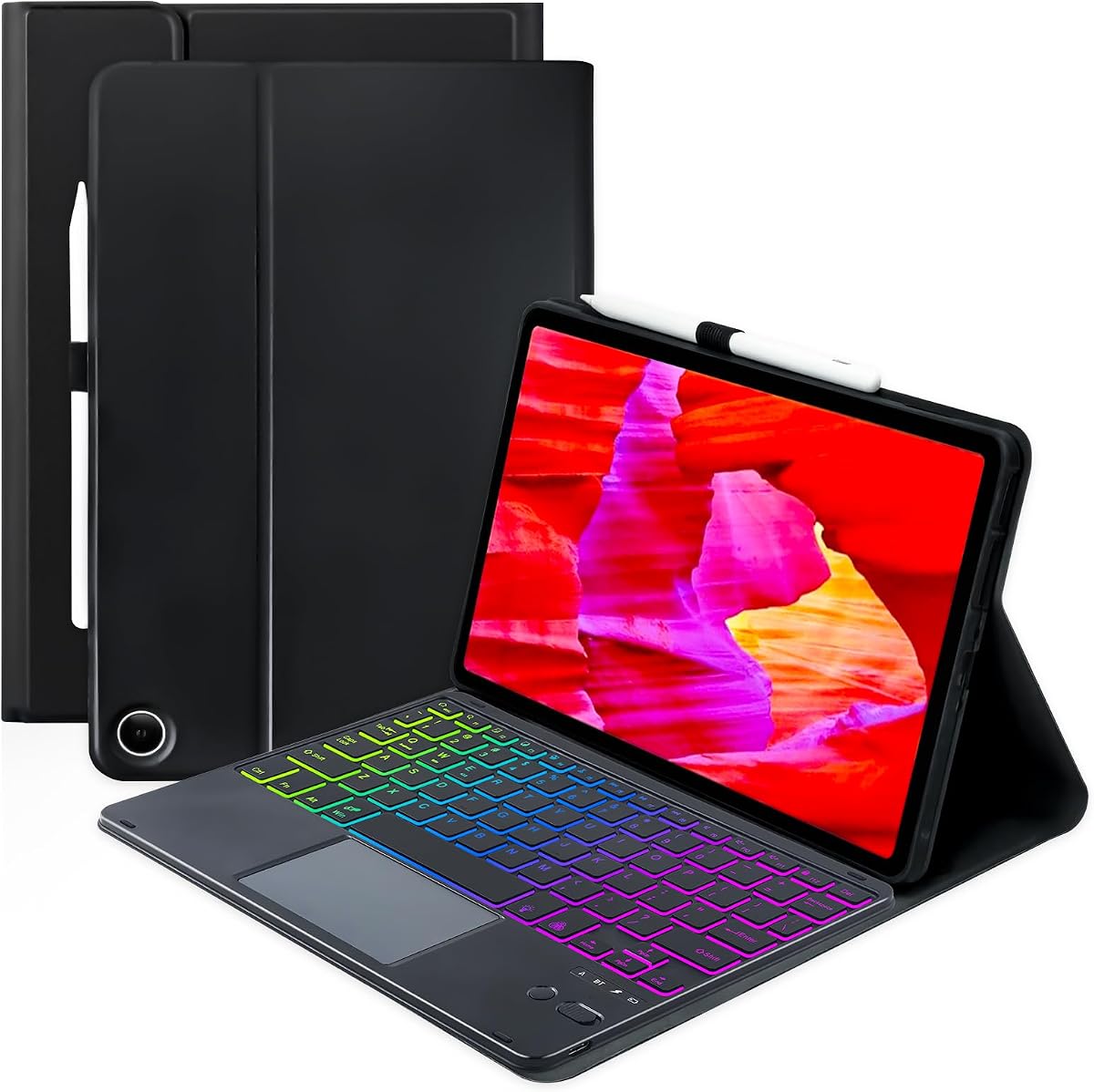


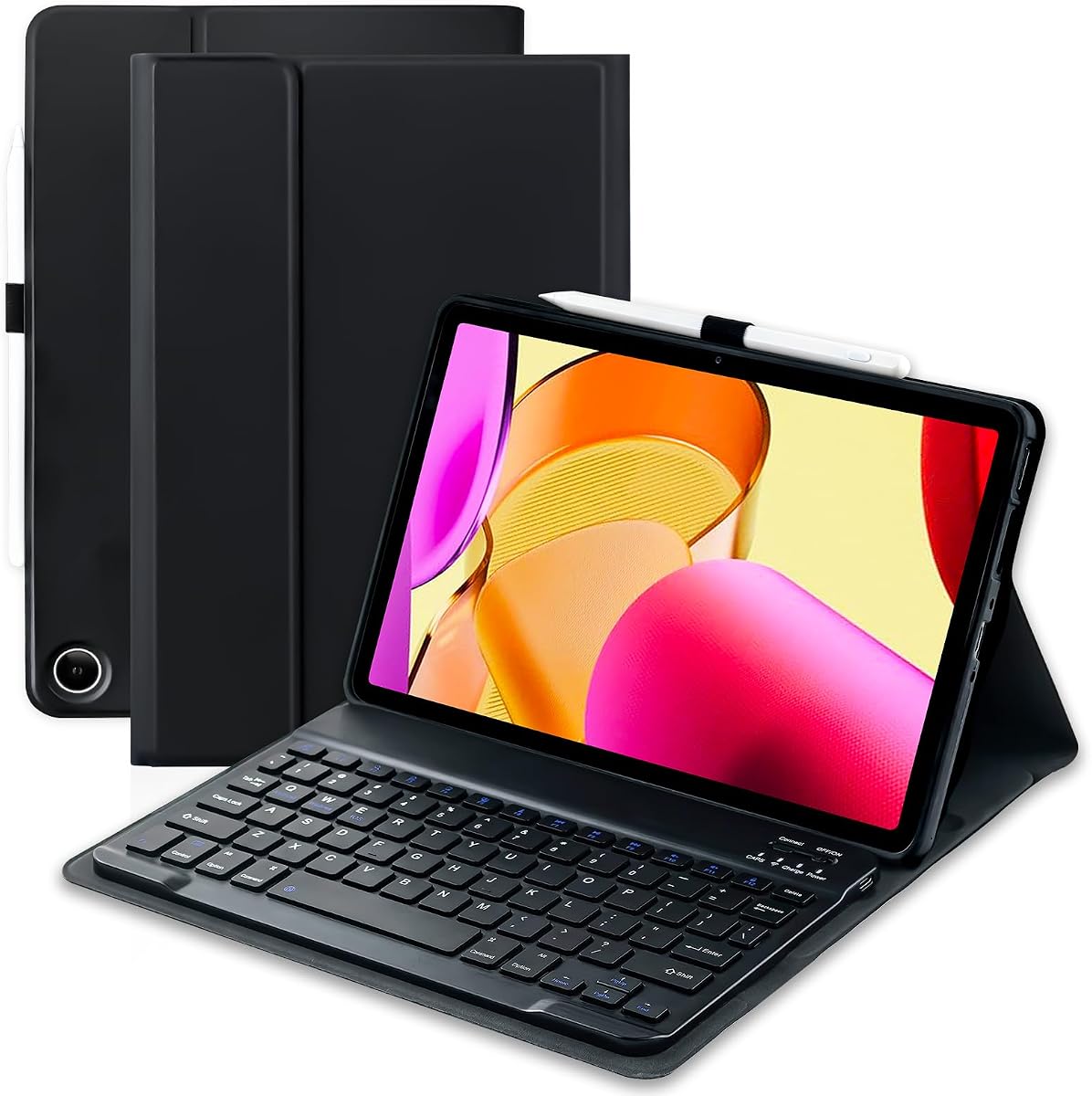


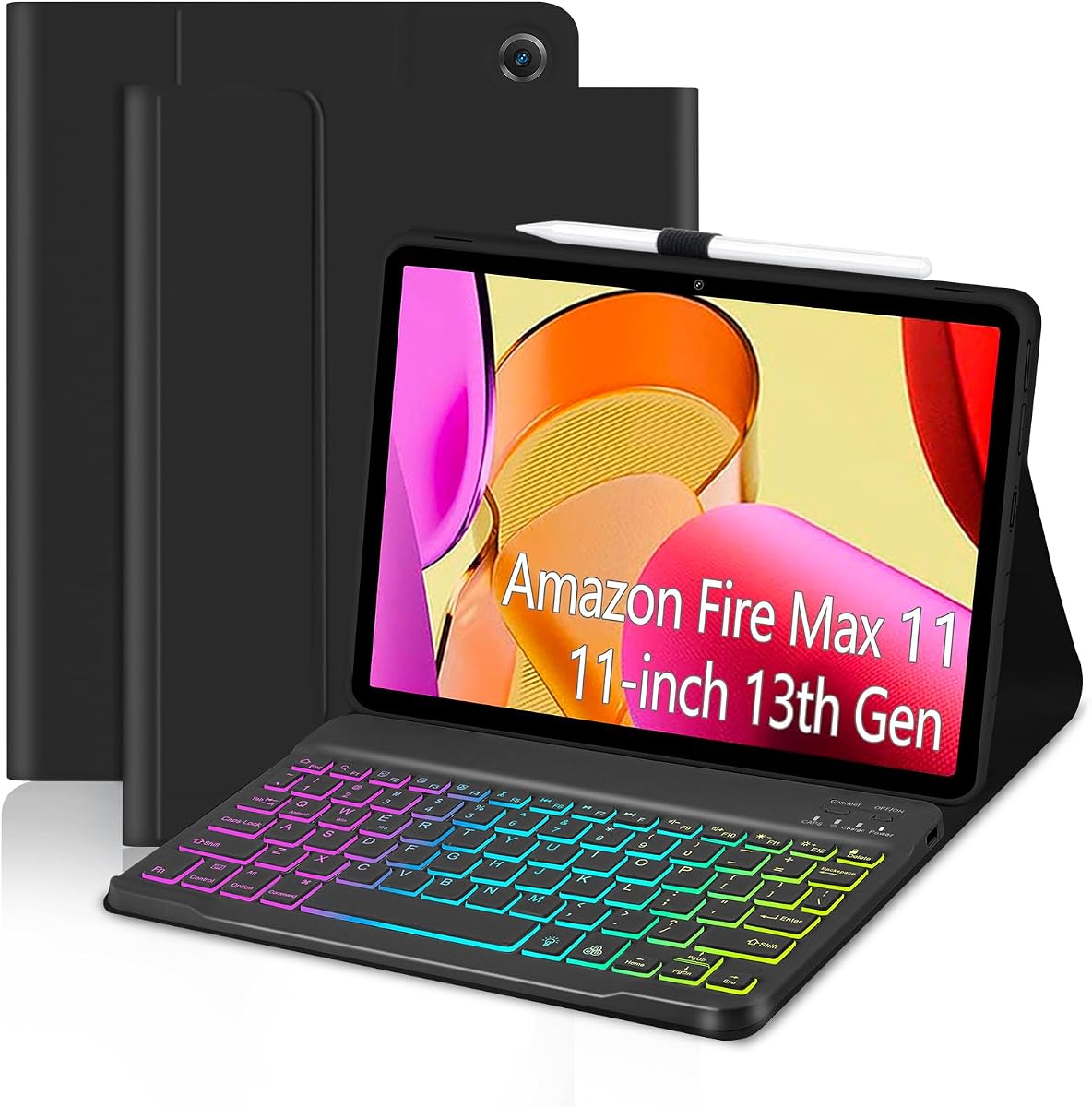
This EAMPANG case offers a vibrant typing experience with its rainbow backlit keyboard. The high rating reflects its ability to blend protection with style effectively.
We may earn a commission when you buy through this link, at no additional cost to you.
The keyboard features seven adjustable colors that can be switched automatically or manually. This makes typing in low light environments significantly easier and more enjoyable for users.
While the lack of a trackpad is a trade-off, the detachable keyboard design allows for flexible use. The honeycomb inner shell also helps with heat dissipation during heavy use.
Anyone who values aesthetics and protection should consider this case. It is a solid choice for those who need a reliable accessory for their Fire Max 11 tablet.
The rainbow backlit keyboard ensures you can see your keys clearly even in dark rooms.
The honeycomb design in the inner shell helps dissipate heat from the tablet efficiently.
We may earn a commission when you buy through this link, at no additional cost to you.
The MePadKey case stands out with its integrated trackpad, which adds a layer of productivity similar to a laptop. Users appreciate the ability to navigate without an external mouse.
We may earn a commission when you buy through this link, at no additional cost to you.
Its rainbow backlight feature ensures visibility in any lighting condition. The rechargeable battery for the keyboard means you do not need to worry about replacing cells frequently.
The case supports multiple angles for comfortable viewing. While the rating is slightly lower than top picks, the feature set offers strong value for productivity-focused users.
This case is ideal for those who need mouse-like navigation on their tablet. It provides a comprehensive solution for work and browsing tasks effectively.
The trackpad supports multi-finger gestures for smooth and intuitive navigation through apps.
Detachable keyboard allows you to use the tablet freely when you do not need to type.
We may earn a commission when you buy through this link, at no additional cost to you.
TUNKARMOR offers a unique setup that includes a rechargeable Bluetooth mouse alongside the keyboard. This makes it a strong contender for users who prefer a traditional mouse setup.
We may earn a commission when you buy through this link, at no additional cost to you.
The magnetic keyboard attaches firmly to the case and turns the tablet into a mini laptop. The honeycomb grid pattern on the inner layer adds significant protection against overheating.
The case supports three viewing angles to suit different tasks. The auto sleep wake function helps save battery life when the device is not in use.
If you need a complete input solution with a mouse, this is an excellent choice. It provides robust protection and convenience for everyday tablet use.
Included Bluetooth mouse provides full control for navigation and selection tasks.
Full edge coverage and honeycomb design protect your tablet from drops and heat.
We may earn a commission when you buy through this link, at no additional cost to you.
This official keyboard case from Amazon offers seamless integration with the Fire Max 11. The trackpad and pogo pin connection ensure reliable performance without separate charging.
We may earn a commission when you buy through this link, at no additional cost to you.
Users appreciate the zero setup process and the built-in gestures for navigation. The keyboard powers directly from the tablet, eliminating the need for independent battery management.
The design is made with recycled plastics, reflecting a commitment to sustainability. While it is more expensive, the quality and convenience justify the investment for many users.
For those seeking the most reliable and integrated experience, this is the top choice. It balances performance, protection, and eco-friendly design perfectly.
Pogo pin connection powers the keyboard directly from the tablet, removing charging needs.
Made with post-consumer recycled plastics to support environmental sustainability goals.
We may earn a commission when you buy through this link, at no additional cost to you.
This case provides a comprehensive bundle that includes a Bluetooth mouse and a magnetic keyboard. The three zone rainbow backlight adds a unique visual touch to the typing experience.
We may earn a commission when you buy through this link, at no additional cost to you.
The case supports multiple viewing angles and has anti-slip slots for stability. The honeycomb grid pattern inside helps to protect the tablet from overheating effectively.
Customer service is highlighted as a strong point with quick response times. The auto sleep wake function ensures battery life is conserved when the device is idle.
If you want a complete set with mouse and keyboard, this is a strong contender. It offers great value and reliable protection for your Fire Max 11.
Included mouse and keyboard offer a full laptop-like experience without extra purchases.
Anti-slip slots and adjustable angles ensure the tablet stays secure during use.
We may earn a commission when you buy through this link, at no additional cost to you.
This affordable option delivers high performance with its long battery life and seven color backlight. Users appreciate the value it provides for a low price point without sacrificing quality.
We may earn a commission when you buy through this link, at no additional cost to you.
The magnetic keyboard is easy to attach and remove for different use cases. The built-in pen holder makes it convenient to carry your stylus whenever you need it for writing.
The honeycomb design helps dissipate heat and extend the lifespan of your tablet. It also provides all-round protection against drops and scratches effectively.
For budget conscious buyers, this is an excellent choice. It offers the key features you need to work and create on your Fire Max 11.
Large capacity battery supports up to ninety hours of continuous normal use.
Honeycomb inner shell improves performance by dissipating heat from the tablet.
We may earn a commission when you buy through this link, at no additional cost to you.
As a repeat entry, this official case continues to impress with its trackpad and pogo pin power. It remains a top choice for users prioritizing reliability and build quality.
We may earn a commission when you buy through this link, at no additional cost to you.
The trackpad gestures like pinch to zoom make navigating apps intuitive and fast. The keyboard installs in seconds via magnetic attach, ensuring zero setup time for users.
Its sustainability focus is highlighted by the use of recycled plastics in construction. This makes it a responsible choice for environmentally conscious consumers.
If you value official quality and environmental responsibility, this is the ideal pick. It offers all the premium features you need for daily productivity.
Trackpad gestures simplify moving through documents and web pages effortlessly.
Product packaging and case materials are designed with sustainability in mind.
We may earn a commission when you buy through this link, at no additional cost to you.
This case features a detachable keyboard that connects via Type-C for charging. The magnetic adsorption ensures the keyboard stays securely attached to the case when in use.
We may earn a commission when you buy through this link, at no additional cost to you.
Users can adjust the tablet angle to three different positions for comfort. The multi-function keys on the top row allow quick access to volume and media controls.
The honeycomb design helps avoid overheating while providing full body protection. It also includes a pen holder to keep your stylus safe and accessible.
For users who need flexible typing positions and quick media controls, this case is great. It balances protection and functionality in a simple design.
Multi-function buttons on the top row allow quick volume and media adjustments.
Strong magnetic adsorption keeps the keyboard firmly attached to the case.
We may earn a commission when you buy through this link, at no additional cost to you.
This EAMPANG model offers a vibrant typing experience with rainbow backlighting. It is designed for those who want to add a splash of color to their tablet setup.
We may earn a commission when you buy through this link, at no additional cost to you.
The case provides full coverage protection with a slim design that does not add bulk. The precise cutouts ensure all functions of the tablet remain accessible while protected.
Although the rating is slightly lower than other options, it still offers essential features like a pen slot and detachable keyboard. This allows for flexible usage scenarios.
For users who prioritize aesthetics and portability, this case is worth considering. It provides good protection and style for everyday use on the go.
Seven adjustable colors allow you to customize the look of your keyboard.
Slim design ensures the case is lightweight and easy to carry around.
We may earn a commission when you buy through this link, at no additional cost to you.
This case features a premium vegan leather cover with a full row of shortcut keys. It provides a comfortable typing experience with resilient keys that ensure accuracy.
We may earn a commission when you buy through this link, at no additional cost to you.
The keyboard connects via Bluetooth and supports long battery life for extended use. The auto sleep wake function helps conserve power when the case is closed.
Multiple viewing angles allow you to choose the best position for your task. It also includes a pen holder so you never lose track of your stylus.
If you prefer a leather feel and efficient shortcuts, this is a great choice. It offers reliable protection and convenience for your Fire Max 11 tablet.
High quality vegan leather exterior provides a stylish and comfortable look.
Full row of shortcuts allows quick access to brightness and media controls.
We may earn a commission when you buy through this link, at no additional cost to you.
Choosing the right keyboard case involves considering features like backlighting, battery life, and build material to match your specific needs.
Most cases use Bluetooth or magnetic connection to pair with the tablet. Magnetic connections are often more stable and require no pairing process, while Bluetooth allows for more flexible positioning.
Check the connection type to ensure it matches your preference for stability versus flexibility when typing.
Backlit keyboards are essential for working in low light environments. Look for cases that offer adjustable colors or brightness settings to suit different conditions.
A rainbow backlight option can add style and functionality to your typing experience.
Long battery life ensures you do not have to recharge the keyboard constantly. Look for models with rechargeable lithium batteries and efficient power management.
Choose a case that offers at least 50 hours of use on a single charge.
The case should provide full coverage to protect against drops and scratches. Materials like PU leather and TPU inner shells offer good durability and grip.
Ensure the case has a honeycomb or cushioned design to prevent overheating and physical damage.
A built-in pen holder is crucial for storing your stylus securely. It prevents loss and ensures the stylus is always handy for drawing or note-taking.
Check if the slot fits your specific stylus model to avoid compatibility issues.
Multiple viewing angles allow you to use the tablet comfortably for reading or typing. Look for cases with anti-slip grooves to secure the tablet at different positions.
Adjustable stands are vital for maintaining ergonomic comfort during long sessions.
This feature helps conserve battery life by turning the screen off when the case is closed. It is a standard feature in most quality keyboard cases.
Ensure the magnetic sensors work correctly to trigger the sleep wake function reliably.
Verify that the case is designed specifically for the Fire Max 11 13th Generation. Using a case meant for other models may result in poor fit or missing cutouts.
Check the product details to confirm it matches your tablet's release year and model.
Start by pairing your keyboard with the tablet via Bluetooth or attaching it magnetically depending on the model. Ensure the case is properly aligned to protect the device.
Clean the keyboard keys and the case surface regularly with a soft, dry cloth. Avoid using liquid cleaners directly on the keyboard to prevent damage.
Store the case in a cool, dry place when not in use. Keep the stylus securely in its holder to avoid misplacement or damage.
Most of the cases listed do not include a stylus. However, they all feature a dedicated pen holder slot designed to store your stylus securely when not in use.
Yes, most of the keyboard cases come with a rechargeable battery. They typically use a Type-C charging cable to power the keyboard for extended use.
Most cases are designed to fit standard screen protectors. It is best to check the specific product details for precise thickness requirements.
These cases are specifically designed for the Fire Max 11 13th Generation. They will not fit older or different model Fire tablets due to size differences.
You can usually turn off the backlight by pressing a function key combination like Fn plus light. Some models allow you to cycle through colors or turn it off completely.
Only some models include an integrated trackpad. Most standard cases rely on touch gestures or include a Bluetooth mouse instead for navigation.
We have reviewed ten excellent cases for the Fire Max 11 that offer great protection and typing features. The official Amazon case stands out for quality while budget options provide solid value.
Prioritize features that matter most to you such as battery life, backlighting, or trackpad support. Selecting the right case can significantly enhance your productivity experience.
Remember to verify the current availability and specifications before purchasing to ensure the product meets your needs accurately and reliably.