
ASUS RT-AX1800S
4.3Editor score
WiFi 6 support
AiProtection Classic security
Gigabit LAN ports
Discover the top ASUS WiFi routers for 2026. This guide compares models from budget-friendly WiFi 6 to powerful WiFi 7 mesh systems for every home.
Finding the right wireless router can transform your home internet experience. ASUS offers a wide range of reliable options tailored for gaming, streaming, and smart home setups.
We evaluated ten top models based on performance, security features, and ease of use. Each pick balances speed, coverage, and value to help you find the perfect fit.
Every review highlights standout specs and real-world benefits. Prices fluctuate frequently, so check current listings before purchasing to ensure you get the best deal available today.
4.3Editor score
4.0Editor score

4.3Editor score
This side-by-side comparison shows key specs for all ten models. Use it to quickly identify which router fits your speed needs and budget constraints.




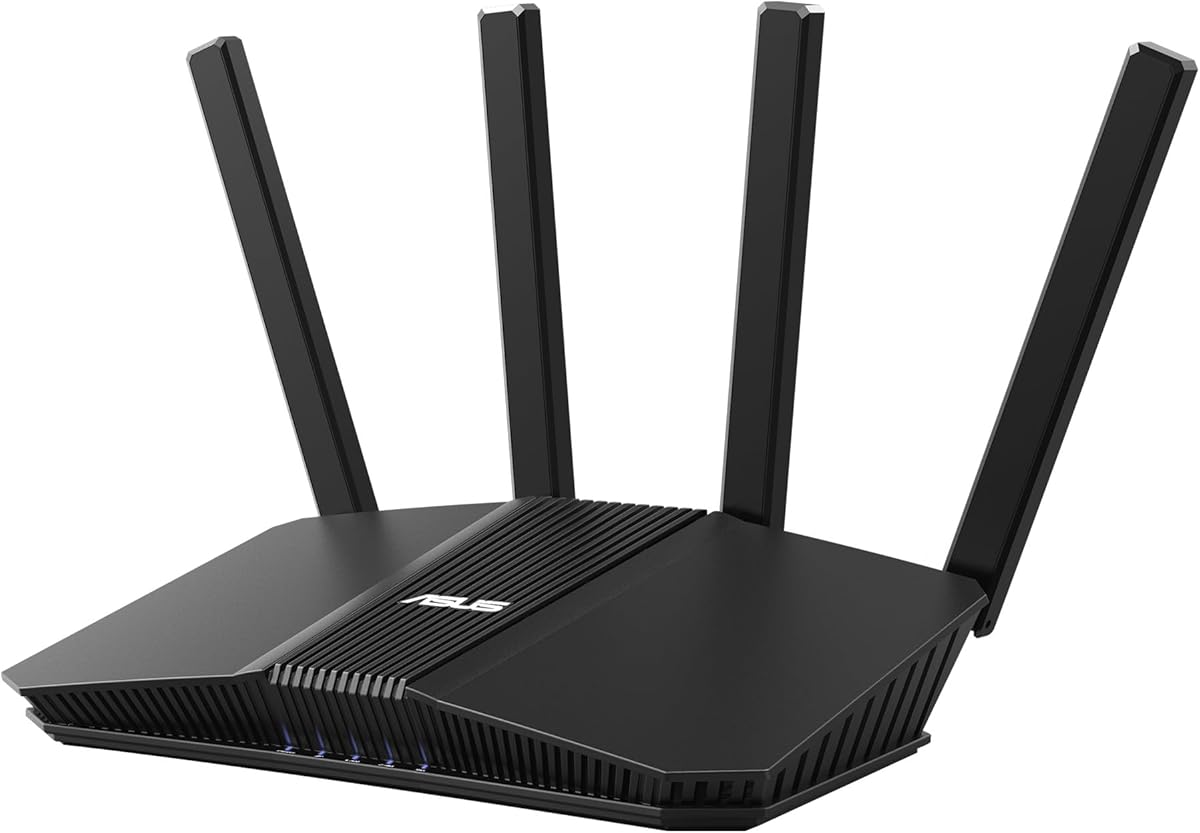
The ASUS RT-AX1800S stands out as an affordable gateway to modern networking. With a rating of 4.3 stars, it delivers reliable performance for average households needing efficient connectivity.
We may earn a commission when you buy through this link, at no additional cost to you.
Its WiFi 6 standard supports MU-MIMO and OFDMA, which means multiple devices can communicate simultaneously without slowdowns. The inclusion of AiProtection Classic powered by Trend Micro adds commercial-grade security at no extra cost.
While it lacks the raw speed of higher-end models, its 1024-QAM technology ensures decent throughput for streaming and browsing. The only trade-off is coverage area, which may need boosting in very large spaces.
This router is ideal for families seeking reliable internet without overspending. It balances cost and features well, making it a top recommendation for budget-conscious buyers entering the WiFi 6 era.
AiProtection Classic provides ongoing threat detection without monthly fees, keeping your family safe from malicious sites automatically.
OFDMA allocates channels efficiently, ensuring stable connections even when many devices are online simultaneously.
We may earn a commission when you buy through this link, at no additional cost to you.
The ASUS RT-BE58U brings next-gen WiFi 7 capabilities to mid-range users. Rated at 4.0 stars, it balances raw performance with practical smart home features that most users will appreciate.
We may earn a commission when you buy through this link, at no additional cost to you.
Its Multi-link Operation allows simultaneous band linking for ultra-smooth connectivity. This significantly reduces latency and improves efficiency during data transfers. The Smart Home Master feature simplifies IoT device setup through three SSIDs.
However, full benefits require compatible devices, and the price reflects advanced tech. Still, its commercial-grade security and AI WAN detection make it a robust choice for tech-forward households.
This model is perfect for those planning to future-proof their network. It combines cutting-edge speed with user-friendly tools that streamline management across connected devices.
MLO links multiple bands at once, ensuring consistent speeds even during peak usage times.
Smart Home Master organizes IoT devices easily, reducing congestion and improving network control.
We may earn a commission when you buy through this link, at no additional cost to you.
The ROG Rapture GT-BE98 Pro is the pinnacle of router performance with a 4.3 rating. Its 30 Gbps speeds and quad-band architecture deliver raw power unmatched by consumer alternatives.
We may earn a commission when you buy through this link, at no additional cost to you.
Triple-Level Game Acceleration prioritizes traffic from your PC all the way to game servers. Dual 10G ports provide wired flexibility for NAS or high-speed clients while external antennas boost coverage significantly.
Its main drawback is the premium price point, which suits enthusiasts more than casual users. However, for competitive gaming or large homes, its performance justifies the investment.
This router is best for pros and serious gamers who demand zero latency. It represents the ultimate standard for home network speed and reliability in 2026.
Game Acceleration optimizes PC traffic dynamically to minimize lag and maintain competitive edges.
Dual 10G and quad 2.5G ports support diverse hardware needs without bottlenecks.
We may earn a commission when you buy through this link, at no additional cost to you.
The RT-BE92U delivers powerful tri-band performance with a 4.0 rating. It brings WiFi 7 benefits like 9.7 Gbps speeds to homes needing more capacity than standard dual-band offers.
We may earn a commission when you buy through this link, at no additional cost to you.
Dual WAN configuration allows for always-on internet through AI detection, which is vital for remote workers. Smart Home Master further simplifies management by separating IoT devices effectively.
Its high price and advanced features may overwhelm casual users. Yet those needing redundancy and superior throughput will find its capabilities highly rewarding.
Ideal for tech-savvy households, this router offers robust performance. It is a strong contender for anyone needing enterprise-level features at home.
Always-on internet ensures connectivity even if one connection fails.
Three SSIDs keep smart devices off main traffic, improving overall performance.
We may earn a commission when you buy through this link, at no additional cost to you.
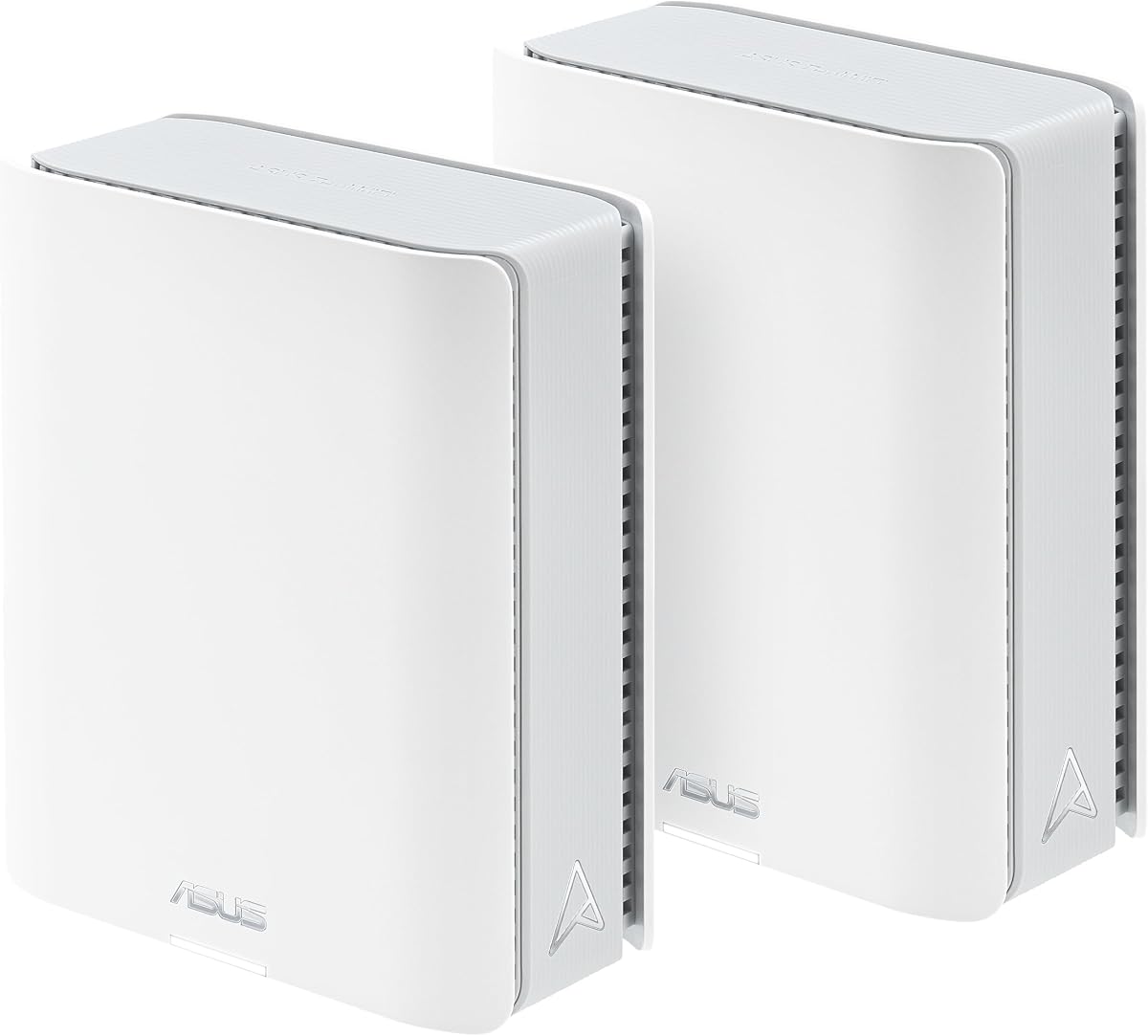
The ZenWiFi BT10 offers premium mesh performance with 3.4 stars. It covers up to 6,000 sq ft with 18 Gbps speeds, making it ideal for large estates.
We may earn a commission when you buy through this link, at no additional cost to you.
Its AI-powered mesh delivers seamless connectivity, while 10G Ethernet handles high-speed demands. Smart Home Master aids in managing thousands of devices efficiently without congestion.
Cost and complexity are main drawbacks for average users. However, for sprawling homes, its performance and coverage justify the investment over simpler routers.
This system is best for those needing extensive, reliable coverage. It sets the standard for whole-home mesh networking with cutting-edge technology.
AI ensures smooth device switching between nodes without interrupting data streams.
Dedicated backhaul channels maintain full speeds throughout the entire mesh network.
We may earn a commission when you buy through this link, at no additional cost to you.
The RT-AX82U is a gaming favorite with a 4.4 rating. It offers AX5400 speeds and specific gaming optimizations that appeal to mobile and PC gamers alike.
We may earn a commission when you buy through this link, at no additional cost to you.
Mobile Game Mode minimizes lag with a simple tap, while the dedicated gaming port ensures priority traffic. Aura RGB adds a personalized aesthetic touch to your gaming setup.
Renewed status might concern some, but performance remains strong. Its balance of gaming features and general utility makes it a versatile pick.
Perfect for gamers seeking affordable speed. This router combines practical features with customization that enhances your gaming experience.
Reduced latency ensures smooth mobile game sessions without interruptions.
Dedicated port ensures game traffic always gets priority over other devices.
We may earn a commission when you buy through this link, at no additional cost to you.
The ZenWiFi BT8 brings compact mesh performance with a 4.0 rating. It covers up to 3,000 sq ft with 14 Gbps speeds, ideal for medium-sized homes.
We may earn a commission when you buy through this link, at no additional cost to you.
Its seven internal antennas eliminate dead zones effectively. Smart Home Master simplifies IoT setup, and robust security ensures 24/7 protection for all connected devices.
Expansion is limited compared to other systems. But its seamless roaming and high speeds make it a practical choice for single-unit coverage.
Best for medium homes seeking simplicity. This mesh unit balances coverage and speed without complex configuration needs.
Multiple internal antennas ensure consistent signal coverage in every corner.
AI mesh ensures devices switch nodes automatically for continuous connectivity.
We may earn a commission when you buy through this link, at no additional cost to you.
The RT-AX3000 scores a 4.5 rating for reliability. With 3 Gbps speeds and 160MHz bandwidth, it handles everyday tasks like streaming and browsing efficiently.
We may earn a commission when you buy through this link, at no additional cost to you.
Adaptive QoS ensures traffic is prioritized when needed. AiProtection Pro keeps devices safe, and AiMesh compatibility allows easy expansion if coverage needs grow later.
While lacking tri-band, it offers excellent value. Its straightforward design minimizes headaches for users needing solid performance without complexity.
This router is perfect for average families. It delivers consistent speeds and reliable security at a very reasonable price point.
Adaptive QoS dynamically prioritizes streaming and gaming traffic over less critical tasks.
AiMesh compatibility lets you add more routers for whole-home coverage easily.
We may earn a commission when you buy through this link, at no additional cost to you.
The RT-AC68U is a classic with a 4.5 rating. It delivers 1.9 Gbps speeds with a 1GHz dual-core CPU that handles multitasking without dropping performance.
We may earn a commission when you buy through this link, at no additional cost to you.
Its 5 Gigabit LAN ports offer robust wired connectivity. AiProtection ensures family safety, while the intuitive app simplifies mobile management for non-technical users.
Older AC standards limit speed potential compared to modern options. Still, for wired-heavy setups, it remains a practical budget-friendly solution.
Ideal for users prioritizing stability. This router is proven and reliable for home networks that need consistent performance.
Dedicated lanes for WiFi and USB data prevent slowdowns during heavy use.
Five LAN ports support multiple wired devices without needing extra switches.
We may earn a commission when you buy through this link, at no additional cost to you.
The ExpertWiFi EBR63 excels for business use with a 4.2 rating. It supports five SSIDs to separate usage scenarios, ensuring security and prioritization for clients and employees.
We may earn a commission when you buy through this link, at no additional cost to you.
Custom guest portals allow branding for client access. Backup WAN via USB keeps operations running if primary internet fails. Remote management simplifies IT tasks significantly.
While designed for businesses, power users may appreciate its isolation features. It offers professional tools often absent from consumer models.
Perfect for small offices needing control. This router bridges professional security and usability perfectly for shared spaces.
Branded portals enhance customer perception while keeping network data secure.
Multiple SSIDs ensure guest traffic never interferes with primary business operations.
We may earn a commission when you buy through this link, at no additional cost to you.
Selecting the right router depends on your home size, internet plan, and device count. This guide breaks down key factors to consider before purchasing.
Current models offer WiFi 6 or WiFi 7. WiFi 7 provides significantly higher speeds and lower latency, making it ideal for future-proofing your network against growing bandwidth demands.
Choose the latest generation if you want longevity and high performance for streaming or gaming.
Single routers may struggle with large spaces. Mesh systems like ZenWiFi scale across multiple units to eliminate dead zones effectively in homes over 3,000 square feet.
For larger homes, prioritize mesh compatibility or dedicated mesh units to ensure consistent signal coverage.
Gaming routers offer prioritized traffic handling like Triple-Level Game Acceleration or dedicated ports. These features minimize lag by ensuring game traffic gets priority over general downloads.
Gamers should look for specific optimization tools to maintain competitive performance.
ASUS includes AiProtection Pro in most models, providing real-time threat detection without subscriptions. Advanced models offer safe browsing and VPN one-click access for added privacy.
Prioritize routers with included security suites to avoid extra costs.
Wired connections remain faster and more stable than wireless. Check for multiple Gigabit LAN ports or 10G ports to connect PCs, consoles, or NAS drives directly to the router.
Ensure the router has enough physical ports for your hardware needs.
IoT devices can congest networks. Models with Smart Home Master allow separate SSIDs for smart devices, keeping them isolated from main traffic for better efficiency.
Look for SSID segmentation tools to manage connected devices effectively.
Prices vary from affordable entries to premium models. Budget routers work fine for basic tasks, while high-end models justify costs through extreme speed and advanced management tools.
Match the router tier to your specific usage requirements.
Start by connecting your modem to the WAN port using an Ethernet cable. Access the router via a browser and follow the guided setup in the ASUS Router app or web interface.
Secure your network by changing the default admin password. Enable WPA3 encryption and regular security scans to keep your connection safe from unauthorized access.
Place the router in a central, elevated spot away from thick walls. Periodically update the firmware via the app to ensure optimal performance and security protection.
Many ASUS routers support AiMesh, allowing you to expand your network using different models. This feature creates a seamless whole-home system without needing a dedicated new box.
No, AiProtection Classic is included free on all supported models. It provides continuous security updates and threat detection without any monthly charges or hidden costs.
Parental controls are managed easily through the ASUS app. You can schedule internet access times, filter content by category, and block specific sites for each device individually.
Multi-link Operation links multiple bands at once for faster, stable connections. It allows data to flow simultaneously across channels, significantly reducing latency for demanding applications.
Yes, models like the ExpertWiFi EBR63 include business features like VLANs and secure guest portals. These ensure professional isolation and priority for work devices.
It is best to update immediately when prompted. ASUS pushes updates frequently to patch vulnerabilities and add new features, ensuring your router stays secure and efficient.
The ASUS lineup offers unmatched versatility ranging from budget entries to premium gaming beasts. The RT-BE58U stands out for most users, while the GT-BE98 Pro satisfies demanding gamers.
Prioritize your needs by checking coverage and specific features like gaming acceleration or parental controls. Matching the router to your home size and habits ensures the best value.
Always verify current pricing and compatibility before buying since models change quickly. With these top picks, you can confidently upgrade your home network for 2026.