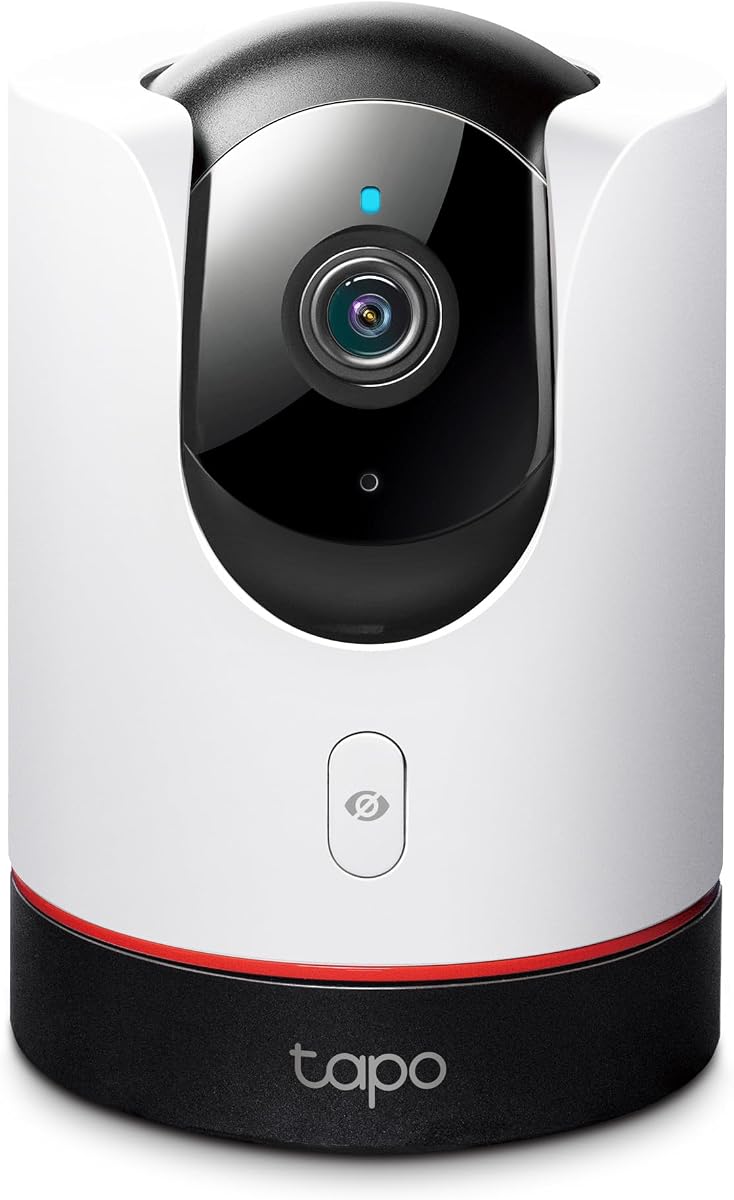
TP-Link Tapo 2K+ Pan/Tilt Security Camera Apple HomeKit, C225
4.5Editor score
2K QHD live view
360 degree pan tilt
Physical privacy mode
Compare the top Apple Homekit Security Cameras for 2026 to find the best indoor outdoor options with HomeKit Secure Video support and privacy features.
Securing your home with smart technology is more important than ever. Apple Homekit Security Cameras offer seamless integration with your devices while keeping data private and secure.
We evaluated ten leading models based on video quality, smart detection, storage options, and ecosystem compatibility. Each camera was analyzed for performance, reliability, and user experience.
This guide highlights top picks for different needs and budgets. Product details may vary over time so always check current listings before making your final purchase decision.
4.5Editor score
4.3Editor score

4.5Editor score
The following table provides a side-by-side overview of key specifications for each model. Use this to quickly compare resolution, storage, and special features across all ten options.



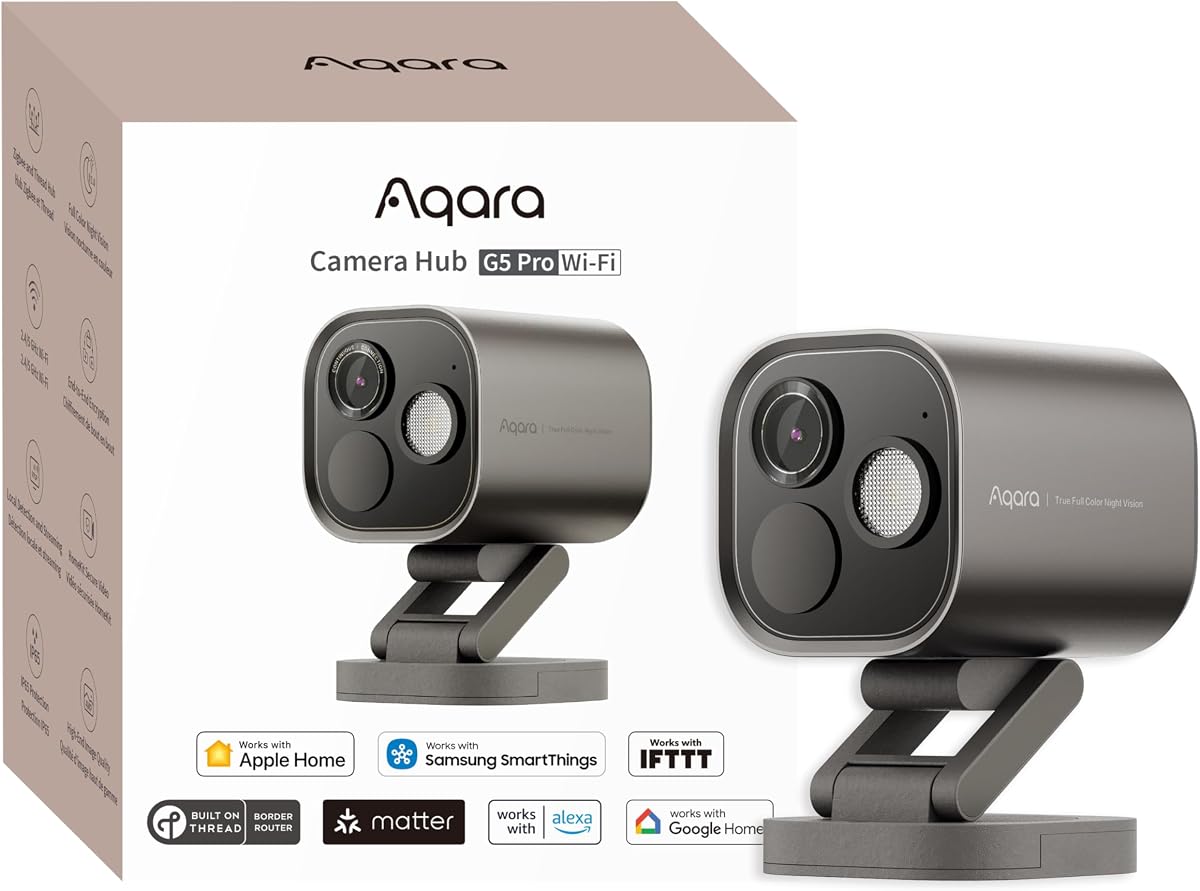
The Aqara G5 Pro WiFi stands out as the top choice for home security. It delivers crisp visuals even in low light through true color night vision technology.
We may earn a commission when you buy through this link, at no additional cost to you.
This model processes video locally on the device using a powerful neural processing unit. It can detect faces, vehicles, and abnormal sounds like barking or crying without relying on the cloud.
While it supports third-party Matter devices as a bridge, it does not support third-party Zigbee devices directly. You must use Aqara Zigbee sub-devices for full hub functionality.
Homeowners seeking high resolution and local AI will find this camera invaluable. It offers a robust security solution that respects privacy while integrating smoothly with Apple ecosystems.
The 1/1.8 sensor and f/1.0 aperture allow bright footage even in near darkness. A built-in spotlight enhances visibility without red infrared glow.
Acts as a dual protocol hub supporting Zigbee and Thread. Connect up to 80 Zigbee devices or mix with Thread for smart home automation.
We may earn a commission when you buy through this link, at no additional cost to you.
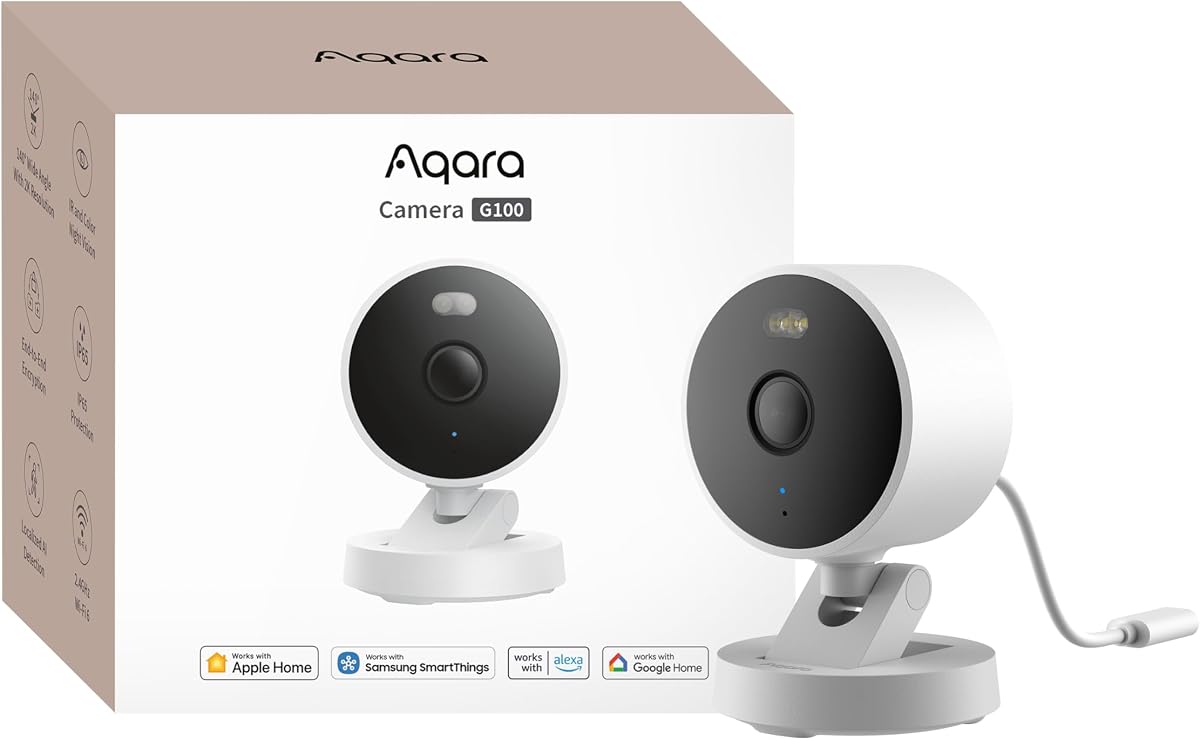
The Aqara G100 is designed for versatility both inside and outside your home. Its IP65 housing ensures durability against rain, dust, and rugged environments for reliable surveillance.
We may earn a commission when you buy through this link, at no additional cost to you.
It features dual night vision modes including color spotlight and infrared. You must enable these manually in the app, which offers control but lacks automation for automatic switching.
While it supports HomeKit Secure Video, resolution drops to 1080p when connected to Apple home hubs. However, it retains 2K in the Aqara app when disconnected from HomeKit.
This camera is ideal for users needing flexible mounting options and robust AI detection. It bridges the gap between high-resolution local storage and secure cloud integration well.
Record 24/7 to microSD or NAS. Use time-lapse mode to compress footage into short clips. Cloud storage available via subscription with end-to-end encryption.
Supports Wi-Fi 6 for smoother live views in congested networks. Also compatible with WPA3 security for enhanced data protection during transmission.
We may earn a commission when you buy through this link, at no additional cost to you.
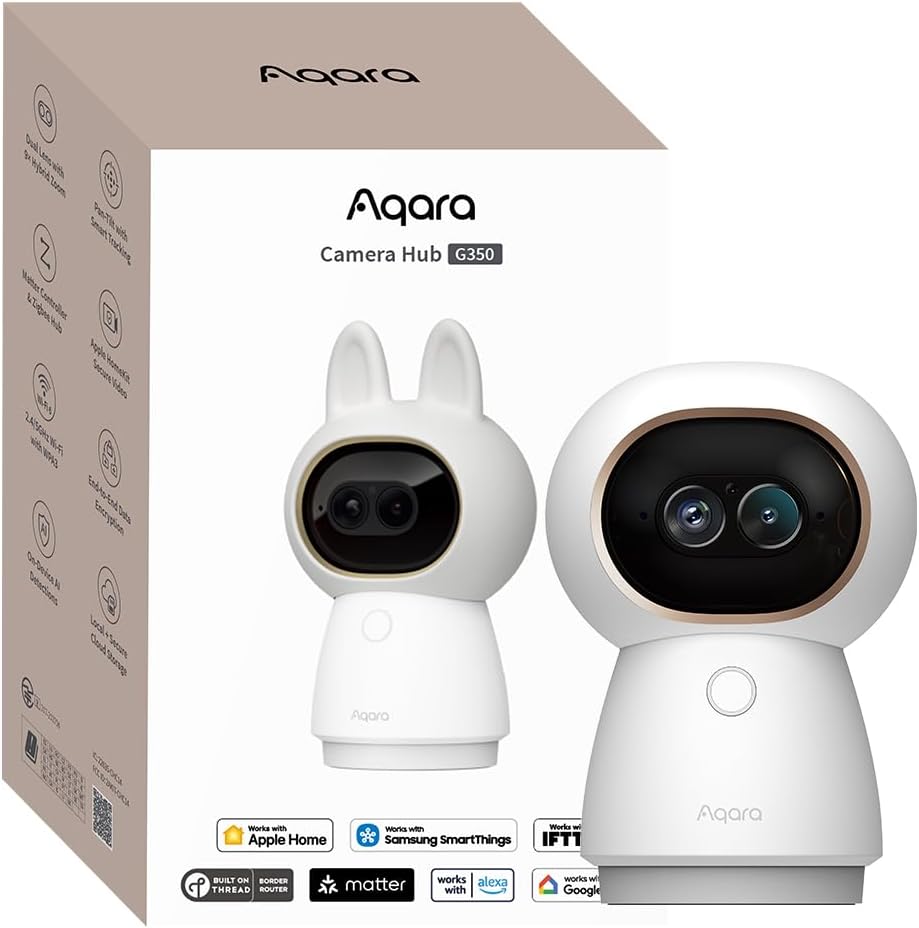
The Aqara G350 offers unmatched detail with its dual-lens system. One lens captures wide-angle views while the other provides high-definition telephoto details for a complete room scan.
We may earn a commission when you buy through this link, at no additional cost to you.
Its AI auto-tracking follows people and pets closely, using 9x hybrid zoom to keep subjects framed. This feature helps you monitor specific areas without manual adjustment during viewing.
While it bridges Matter devices well, Thread support is limited to 40 sub-devices alongside Zigbee ones. Privacy is prioritized with a physical retraction mechanism for the lens when not in use.
This is a premium indoor camera for tech-savvy users. It delivers exceptional clarity and smart automation features that integrate deeply with your smart home ecosystem.
Intelligently identifies movement and zooms in on subjects. Pan and tilt speeds adjust automatically for smooth, blur-free tracking of distant objects.
Detects faces, pets, gestures, and sounds like crying or barking. All processing happens locally for faster responses and better data privacy.
We may earn a commission when you buy through this link, at no additional cost to you.
The Eve Cam is built exclusively for Apple HomeKit Secure Video with a heavy emphasis on privacy. It ensures only you can view live and recorded video through end-to-end encryption.
We may earn a commission when you buy through this link, at no additional cost to you.
Video analysis occurs locally on your device rather than in the cloud. This approach keeps your personal data under your control and reduces latency during detection events.
While it offers seamless integration with iPhone and iPad, it requires an active iCloud+ plan. The camera does not upload data to Eve servers, maintaining strict data security standards.
This camera is perfect for privacy-conscious users who value simplicity. It delivers reliable performance within the Apple ecosystem without compromising on security protocols or user control.
Distinguishes between people and pets automatically. You can deactivate the camera when someone is home to avoid unnecessary recordings.
Needs a Home Hub like HomePod or Apple TV. Requires the latest iOS version and an active iCloud+ subscription for full functionality.
We may earn a commission when you buy through this link, at no additional cost to you.
The TP-Link Tapo C225 offers excellent value with 2K QHD resolution and wide-angle coverage. Its award-winning design balances performance with an aesthetic appeal that fits any room.
We may earn a commission when you buy through this link, at no additional cost to you.
It includes an innovative physical privacy mode that physically blocks the lens. This feature provides visual assurance that you are not being watched when the camera is inactive.
Night vision capabilities include selectable infrared wavelengths to suit different needs. The starlight sensor ensures bright and clear visuals even in very low-light conditions without extra lighting.
This model is ideal for budget-conscious buyers who do not want to sacrifice quality. It provides robust home security features that integrate well with smart home systems including HomeKit.
Accurately identifies people, pets, and vehicles. Also recognizes abnormal sounds like crying to send instant push notifications to your device.
Save footage locally on microSD up to 512GB or subscribe to cloud storage. Ensure compatibility with your device before purchasing a card.
We may earn a commission when you buy through this link, at no additional cost to you.
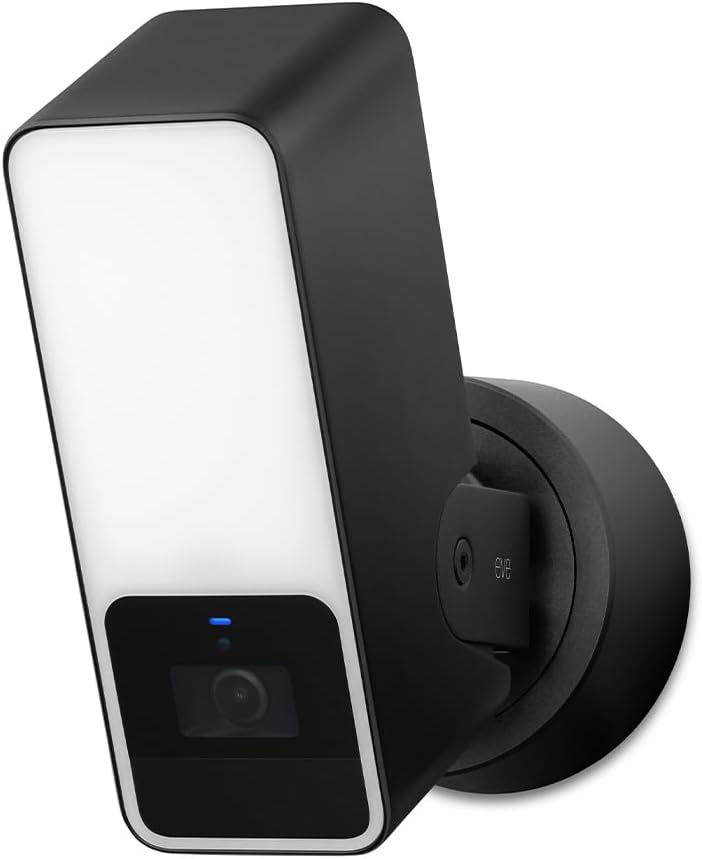
The Eve Outdoor Cam combines security with lighting in a robust floodlight design. It is built exclusively for Apple HomeKit Secure Video ensuring high standards of data privacy.
We may earn a commission when you buy through this link, at no additional cost to you.
Installation requires both a neutral wire and ground connection. This wired setup ensures consistent power for the camera and its powerful dimmable light for deterrence.
It distinguishes between people, pets, and vehicles without needing cloud registration. All data is processed locally and transmitted directly to your home hub without Eve tracking.
Ideal for securing entryways or driveways, this camera provides reliable motion detection and two-way audio. Its focus on privacy makes it a strong choice for outdoor monitoring.
Features a light boost and infrared motion sensor. The light boosts visibility when motion is detected to help deter potential intruders effectively.
No Eve cloud or registration required. Direct communication with iPhone or Home hub ensures your data never gets exposed to third parties.
We may earn a commission when you buy through this link, at no additional cost to you.
The Logitech Circle View is designed to withstand outdoor elements while delivering clear footage. Its IP64 rating protects against water and dust for reliable year-round performance.
We may earn a commission when you buy through this link, at no additional cost to you.
It captures video with a wide dynamic range sensor for sharp details in varying light. The TrueView technology ensures you see clearly even in high-contrast environments like doorways.
A unique privacy button allows you to tilt the camera down instantly. This physical switch provides immediate visual confirmation that the camera is not recording or watching you.
This camera is well-suited for entryways needing wide coverage. It integrates seamlessly with Apple Home app, offering a secure and easy-to-use security solution for homeowners.
Includes a physical button to tilt the lens down for instant privacy. Crafted with premium details like a metal base and matte finish.
Infrared night vision optimized for full-field visibility. Provides superior clarity in the dark up to 15ft away from the lens.
We may earn a commission when you buy through this link, at no additional cost to you.
The Aqara E1 delivers super-crisp 2K resolution for detailed monitoring of indoor spaces. Its 360-degree pan and tilt motor allows you to track movement throughout the entire room.
We may earn a commission when you buy through this link, at no additional cost to you.
Privacy is enhanced with an automated privacy mode that pivots the lens away. You can also disable audio recording or the microphone entirely for added discretion during sensitive moments.
Local detection uses a built-in NPU to filter motion events efficiently. It can trigger recordings when persons are detected, reducing false alerts and saving storage space effectively.
This camera is a strong indoor option for detailed and flexible monitoring. It supports continuous recording via microSD and offers robust encryption for cloud storage when needed.
Includes a 940 nm infrared backlight. This ensures clear images without a red glow that might disrupt sleep or alert occupants.
Supports Wi-Fi 6 for lower latency and smoother views. WPA3 security standard protects your data against unauthorized access attempts.
We may earn a commission when you buy through this link, at no additional cost to you.
The eufy Security E30 captures every detail with its 4K recording quality. It is an excellent choice for monitoring pets and babies with clear visuals day and night.
We may earn a commission when you buy through this link, at no additional cost to you.
Advanced on-device AI tracks movement automatically and keeps subjects in frame. It can also distinguish between humans, pets, and specific sounds like crying for better alerts.
HomeKit integration supports up to 1080p resolution. For full 4K quality, you must use the eufy app which allows local storage via SD card without mandatory fees.
This camera is perfect for families wanting detailed monitoring without cloud costs. It combines high resolution with smart tracking features in a sleek design suitable for any room.
Navigate your home view easily. Use Quick Focus Tap to instantly switch focus to desired areas on your screen for detailed checking.
Integrated spotlight allows switching to color night vision. Acts as a deterrent while providing clear footage in low-light conditions.
We may earn a commission when you buy through this link, at no additional cost to you.
The Aqara G5 Pro PoE offers professional-grade security with simplified installation. Power over Ethernet allows transmitting video and power through a single cable to any location.
We may earn a commission when you buy through this link, at no additional cost to you.
It features the same advanced True Color Night Vision and AI detection as its Wi-Fi counterpart. A spotlight assists in visibility and deterrence during nighttime without infrared glow.
For setups needing network stability, PoE ensures consistent connectivity. A PoE switch is required for this feature, though it includes a USB-C port for alternative power options if needed.
This is the top choice for professional setups or homes needing stable wired connections. It delivers exceptional quality and local intelligence for maximum security without reliance on clouds.
Transmits video and receives power via one network cable. Requires a PoE switch for full functionality but simplifies wiring significantly.
Recognizes faces, vehicles, and sounds like barking. Enables recording and automation even during internet outages using local processing.
We may earn a commission when you buy through this link, at no additional cost to you.
Selecting the right camera involves balancing features, privacy, and performance. Below are key factors to consider when choosing a HomeKit compatible camera.
Resolution determines how much detail you see on screen. Most HomeKit cameras limit to 1080p for streaming but may support higher local resolution.
Look for cameras with 2K or 4K sensors for clearer images when not connected to HomeKit hubs.
Night vision is essential for 24/7 monitoring. Infrared provides black and white footage while true color night vision uses sensors to capture color in low light.
Choose cameras with spotlights or IR LEDs to ensure visibility at night without disrupting sleep.
Storage affects privacy and ongoing costs. Some cameras store footage locally on microSD or NAS while others use encrypted cloud storage via subscriptions.
Local storage is preferred for privacy. Cloud storage adds convenience and off-site backup but usually requires a recurring fee.
Smart detection filters out false alerts by distinguishing between people, pets, and vehicles. Local AI processes this data on the device for faster response and better privacy.
Advanced models can detect sounds like crying or alarms, triggering automations even without internet connectivity.
Outdoor cameras must be weather-resistant to survive rain and dust. Look for IP65 or IP66 ratings for durability outside.
Indoor cameras often have wider viewing angles or 360-degree pan tilt for flexible monitoring of rooms and living spaces.
Most cameras use Wi-Fi for wireless installation. Check if your model supports dual-band Wi-Fi or newer standards like Wi-Fi 6 for better performance.
PoE cameras provide wired stability and power but require a switch. Consider your existing network setup before purchasing to ensure compatibility.
HomeKit Secure Video provides end-to-end encryption and local processing. Ensure the camera supports HomeKit hub requirements for full functionality.
Some models offer Matter support or bridges for Zigbee devices allowing deeper integration with other smart home tools and automations.
Privacy features like physical shutter buttons or physical blocks for the lens provide assurance. Local processing prevents your footage from being uploaded to third-party servers.
Encryption standards like end-to-end encryption protect your data from unauthorized access during transmission and storage.
Install your camera in a secure location with strong Wi-Fi signal or Ethernet access. Follow manufacturer instructions for mounting and wiring if using PoE models.
Connect the camera to the Apple Home app using a Home Hub device. This setup enables live viewing and secure video recording automatically within your ecosystem.
Regularly update firmware and check storage cards to ensure smooth operation. Adjust detection sensitivity to minimize false alerts from pets or moving shadows.
Yes, an active iCloud+ subscription is required for HomeKit Secure Video. This enables encrypted cloud storage and access to recorded clips on your devices.
Most HomeKit cameras record only on motion events. For 24/7 recording, look for models supporting local microSD or NAS storage with continuous capture features.
HomeKit Secure Video typically limits recording to 1080p for privacy and bandwidth reasons. Higher resolutions may be available in the manufacturer's own app.
Some models like Aqara support streaming to Google and Alexa smart displays. Full integration depends on the camera brand and supported protocols.
Look for features like local processing, physical privacy shutters, and end-to-end encryption. Cameras designed exclusively for HomeKit often prioritize these privacy standards.
Yes, a Home Hub like HomePod or Apple TV is required to enable secure video storage and remote access features properly.
Choosing the right camera depends on your specific security needs and privacy preferences. The Aqara G5 Pro and TP-Link Tapo C225 offer excellent value and performance options.
Prioritize models with local AI and high resolution for clear footage without sacrificing privacy. Ensure your chosen camera supports your existing smart home ecosystem effectively.
Always review current availability and pricing before making a purchase. Technology evolves quickly so verify the latest specifications and software support before buying.