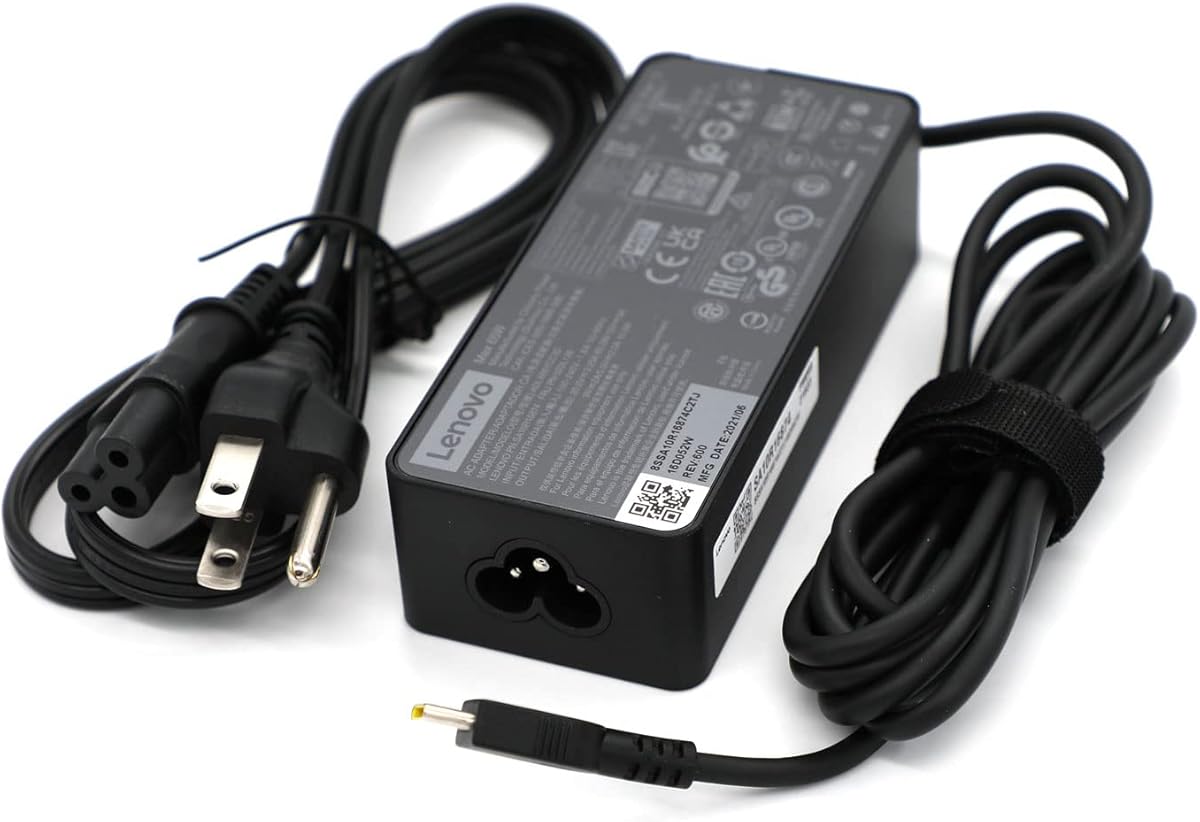
Lenovo Laptop Charger 65W Watt USB Type C
3.9Editor score
65W USB Type C output
Compatible with ThinkPad T14
Multiple voltage output options
This guide compares the top Lenovo Thinkpad Charger models for performance safety and compatibility to help you choose the right power adapter for your device.
Finding the right power source is essential for keeping your laptop running smoothly throughout your workday. A reliable charger ensures your device stays powered up during critical meetings or travel.
We analyzed ten top-rated adapters based on compatibility safety features and build quality. Each product was evaluated against official specifications to ensure it meets your needs.
Each pick highlights key strengths and ideal use cases for different laptop models. Prices may vary so always check the current listing before making your purchase decision.
3.9Editor score

4.5Editor score

4.6Editor score
This table provides a side-by-side comparison of all ten adapters highlighting their core specifications and compatibility ranges.


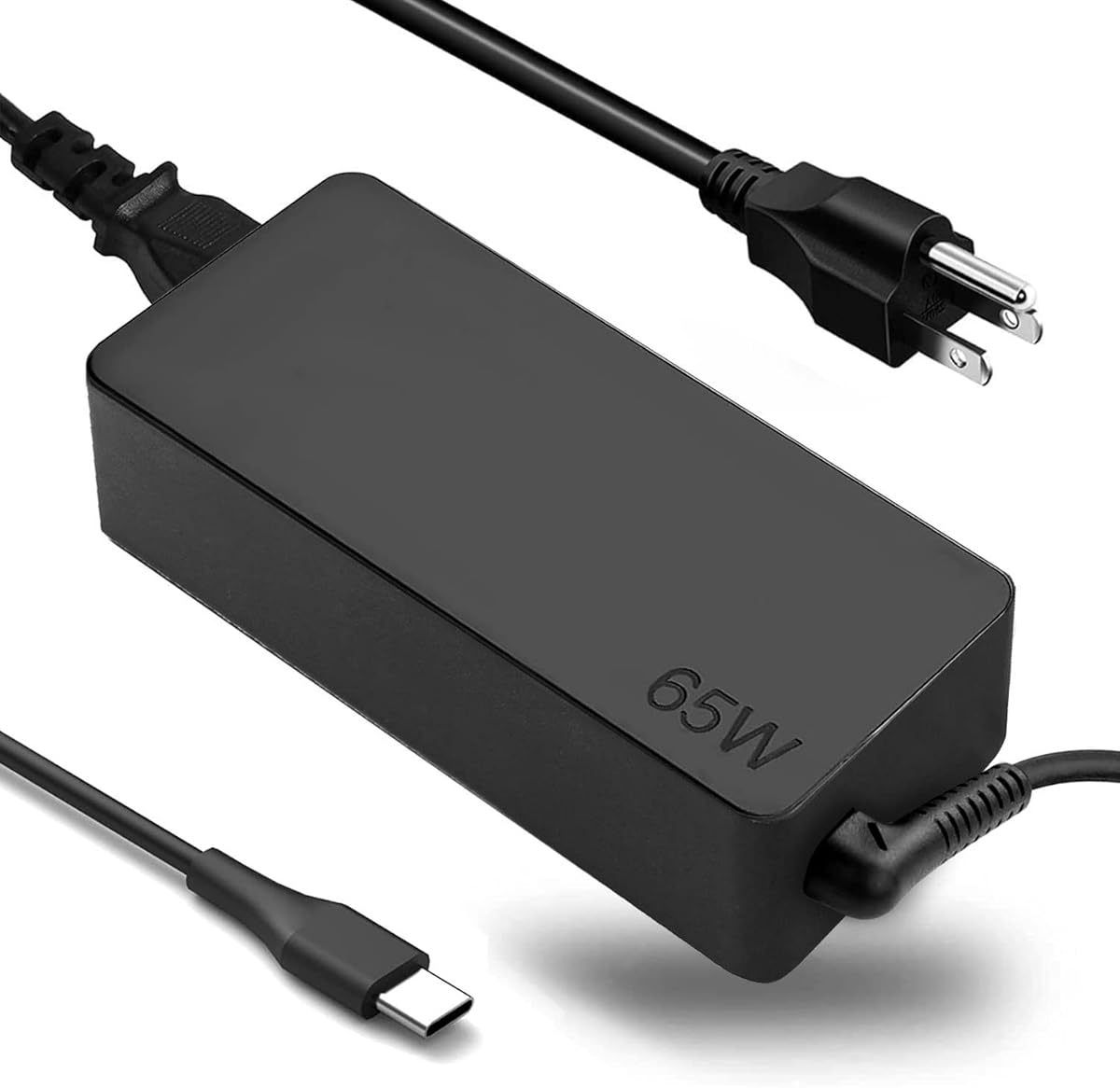
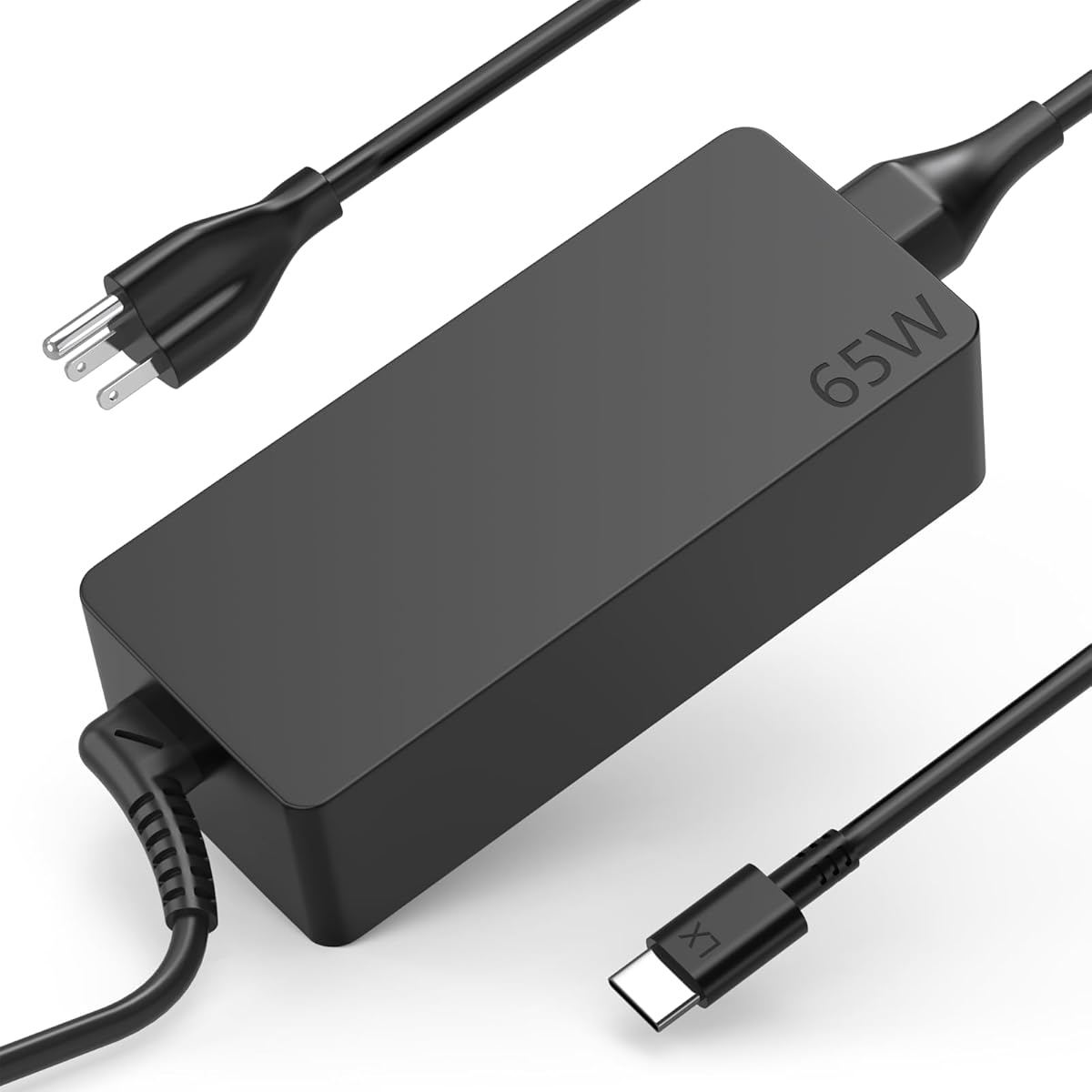


This adapter offers a practical solution for users seeking an affordable replacement for their original ThinkPad charger. With a solid 65W output it handles daily charging needs efficiently without breaking the bank.
We may earn a commission when you buy through this link, at no additional cost to you.
The compatibility list is extensive covering many recent ThinkPad models like the T14 and X13. Its USB-C port ensures modern connectivity which is standard for most current laptops.
While the rating is lower than some alternatives the basic functionality remains reliable for essential charging tasks. Users should verify their specific model requirements before purchase.
Ideal for budget-conscious professionals who need a backup or replacement charger. It delivers consistent power for standard workloads without unnecessary premium features.
This charger delivers essential power at a fraction of the cost of branded alternatives.
The USB-C interface ensures compatibility with the latest ThinkPad devices.
We may earn a commission when you buy through this link, at no additional cost to you.
Leading our list this charger combines strong performance with robust safety features that protect your valuable device. Its high rating reflects consistent user satisfaction over time.
We may earn a commission when you buy through this link, at no additional cost to you.
Built with fire-retardant materials and an intelligent circuit chip it actively monitors temperature and current. The reinforced joint withstands significant bending which reduces wear at the connection point.
The main trade-off is a slightly higher price point compared to basic models but the added durability justifies the cost. It is a smart investment for daily heavy use.
Best for users who prioritize safety and longevity in their accessories. It works seamlessly with ThinkPad Yoga and Chromebook models requiring a 65W USB-C charger.
The reinforced connector joint is tested to withstand over 50000 bends.
Built-in safeguards protect against overheating overvoltage and short circuits.
We may earn a commission when you buy through this link, at no additional cost to you.
Officially branded this charger is designed for travelers who value portability and reliability. Its slim form factor makes it easy to pack in any laptop bag.
We may earn a commission when you buy through this link, at no additional cost to you.
The extra-long 5.9 foot cable allows flexible placement near power outlets. This convenience is appreciated when working in airports or cafes with limited socket access.
While it costs more than third-party alternatives the brand assurance provides peace of mind regarding compatibility and safety. It is a solid choice for official equipment seekers.
Ideal for frequent travelers who need a lightweight and reliable power source. The PD 3.0 technology ensures rapid charging for supported devices.
The slim design minimizes bulk making it perfect for on-the-go use.
A 1.7 meter cable provides ample reach for awkward outlet positions.
We may earn a commission when you buy through this link, at no additional cost to you.
This official adapter ensures full compatibility with your ThinkPad device for optimal performance. It delivers a constant voltage supply which is crucial for battery health.
We may earn a commission when you buy through this link, at no additional cost to you.
The slim design reduces bulk in your bag while maintaining robust power delivery capabilities. Users appreciate the straightforward plug-and-play experience without needing extra configuration.
The main downside is the mid-range pricing which is higher than budget third-party options. However the reliability of an official product often outweighs the cost difference.
Best for users who want guaranteed compatibility and performance from their hardware. It is a reliable choice for daily professional use.
Designed to match the exact power requirements of your ThinkPad device.
The compact size makes it easy to store alongside your laptop.
We may earn a commission when you buy through this link, at no additional cost to you.
This versatile charger supports a wide range of ThinkPad Yoga and ThinkBook models. It is designed to handle both 65W and 45W requirements automatically.
We may earn a commission when you buy through this link, at no additional cost to you.
Built-in safeguards monitor voltage and temperature to protect your device during charging. The package includes a user manual which helps verify compatibility before use.
While highly compatible some users report variations in cable length which might affect convenience. Always check the specific model number of your device before buying.
Ideal for users with multiple devices or mixed charging needs. It provides a flexible solution for various laptop models.
Adjusts output to match 65W or 45W device requirements automatically.
Real-time monitoring protects against overheating and voltage spikes.
We may earn a commission when you buy through this link, at no additional cost to you.
Designed as a direct replacement for the ADLX65YDC2A part this charger covers ThinkPad Yoga and Chromebook devices. It is a solid choice for general home or office use.
We may earn a commission when you buy through this link, at no additional cost to you.
The package includes a power cord making it ready to use out of the box. Users appreciate the straightforward setup without needing extra accessories.
While functional it lacks some premium durability features found in higher-priced models. It is best suited for light to moderate daily charging tasks.
Best for users needing a specific part replacement at a reasonable cost. It works well for Chromebook and ThinkPad models requiring this connector.
Matches the specific part number for seamless compatibility.
Includes the necessary power cord for immediate setup.
We may earn a commission when you buy through this link, at no additional cost to you.
This replacement offers a straightforward solution for Lenovo laptops requiring a 65W USB-C charger. It supports efficient charging for daily tasks without complexity.
We may earn a commission when you buy through this link, at no additional cost to you.
Independent of operating systems it works with ThinkPad Yoga and Thinkbook models. The design focuses on functionality ensuring you can charge quickly when needed.
While it provides essential power it may lack the premium feel of official adapters. Users should expect standard performance suitable for home or office environments.
Ideal for users seeking a simple and affordable backup option. It gets the job done for standard laptop models.
Works independently of operating systems for broad device support.
Delivers efficient power to minimize downtime during work.
We may earn a commission when you buy through this link, at no additional cost to you.
Known for broad compatibility this charger works with Lenovo HP Dell and Samsung devices. It offers significant versatility for users with multiple device types.
We may earn a commission when you buy through this link, at no additional cost to you.
The adjustable output range from 5V to 20V ensures it can handle various device requirements. This flexibility makes it a handy choice for diverse households.
Due to the wide range of support users must verify their specific model compatibility. It requires attention to specs to ensure optimal performance.
Best for households with mixed laptop brands needing a single charger. It offers a versatile solution for various devices.
Supports a wide range of brands beyond just Lenovo.
Adjustable output ensures compatibility with different power needs.
We may earn a commission when you buy through this link, at no additional cost to you.
This high-performance adapter delivers up to 135W of power for demanding ThinkPad models. It ensures optimal performance for heavy-duty tasks and rapid charging.
We may earn a commission when you buy through this link, at no additional cost to you.
The USB-C interface provides a quick and worry-free charging experience. Official branding guarantees full compatibility with high-end models like the P series.
The higher price and size are expected for such high power output. It is worth the investment for users who need maximum speed and reliability.
Best for power users and professionals with high-performance laptops. It handles demanding workloads efficiently.
135W output ensures fast charging even for power-hungry devices.
Official design guarantees stability and safety for your device.
We may earn a commission when you buy through this link, at no additional cost to you.
Designed for high-performance gaming laptops this adapter provides 135W of power for demanding systems. It ensures your device runs at full capacity during intense sessions.
We may earn a commission when you buy through this link, at no additional cost to you.
The Slim Tip connector is standard for many Lenovo gaming models. Using the correct adapter is crucial for maintaining performance and warranty status.
The price is higher but necessary for powering powerful hardware safely. It is a key component for gamers who need consistent power delivery.
Best for users with IdeaPad Gaming or Legion laptops. It provides the necessary power for high-performance computing.
Provides sufficient wattage for graphics-intensive gaming tasks.
Uses the Slim Tip connector for specific gaming models.
We may earn a commission when you buy through this link, at no additional cost to you.
Selecting the right adapter involves checking several key factors to ensure compatibility and safety.
Check your laptop model specifications to determine the required wattage. Most ThinkPad T and X series require 65W while gaming models need higher wattage.
Choose an adapter that meets or exceeds the required wattage for optimal performance.
Modern ThinkPad devices use USB-C connectors while older models use Slim Tip. Verify the port on your laptop before buying.
Ensure the connector shape and size match your device exactly to avoid connection issues.
Look for adapters with proper safety certifications such as UL or CE. These ensure the charger meets industry safety standards.
Safety features like overvoltage and overheating protection protect your laptop from damage.
High-quality materials like fire-retardant plastics and reinforced joints extend the lifespan of the charger. Check user reviews for durability feedback.
Investing in a durable charger saves money in the long run by reducing replacements.
Official Lenovo adapters guarantee compatibility but third-party options can be cost-effective. Choose reputable third-party brands with positive feedback.
A good brand reputation often correlates with better customer support and warranty policies.
Standard cables are often short but extended lengths provide more flexibility. Consider your workspace needs when choosing length.
A longer cable reduces the need for extension cords in tight spaces.
Travelers should look for slim and lightweight designs to minimize bag bulk. Compact adapters are easier to carry around.
Portability ensures you stay powered up without adding unnecessary weight.
Compare prices across different options while balancing features and durability. A higher price does not always guarantee better quality.
Focus on value by considering warranty and safety features alongside cost.
Always plug the AC adapter into the wall first before connecting it to your laptop. This prevents power surges from reaching your device during connection.
Avoid bending the cable sharply near the connector as this can damage internal wiring over time. Coil cables loosely for storage rather than wrapping them tightly.
Keep the adapter in a cool and dry place when not in use. Heat and moisture can degrade performance and reduce lifespan.
Yes it is safe as long as you choose a reputable brand with proper safety certifications. Always verify the wattage and connector type match your device requirements exactly.
Yes your laptop will only draw the power it needs. A higher wattage charger like 135W for a 65W laptop will work safely and may charge faster.
Check the cable connections and inspect for physical damage. Ensure the adapter is plugged into a working outlet and the port on your laptop is clean.
Verify the wattage and voltage specifications match your laptop model. The connector type must also align with your device port such as USB-C or Slim Tip.
Stop using it immediately if it feels excessively hot to the touch. Place it on a hard surface away from flammable materials and check for ventilation issues.
With proper care a quality adapter can last several years. Durability depends on usage patterns and how well you protect the cable and connector.
USB-C offers higher power delivery and universal connectivity with other devices. It is the modern standard for most newer laptops including current ThinkPads.
Authentic chargers are available through Lenovo directly or authorized retailers. Major online platforms also offer official products but verify the seller.
Choosing the right charger ensures your ThinkPad performs reliably. We covered options from budget-friendly replacements to high-power gaming adapters.
Prioritize safety and compatibility over price when selecting your adapter. The right match protects your investment and ensures efficient charging.
Prices and availability change frequently so review current listings before buying. Always verify model compatibility to ensure a perfect fit.