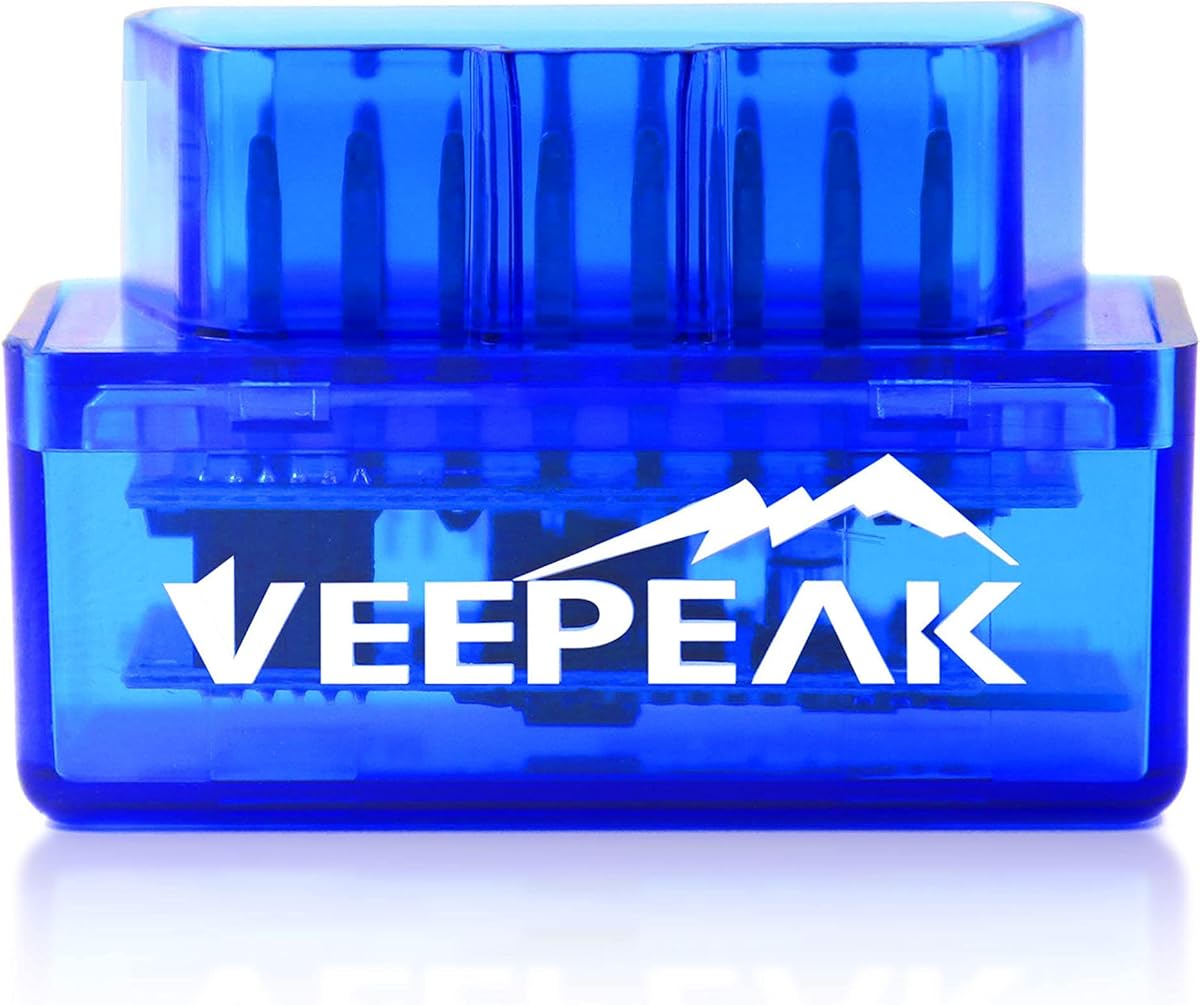
Veepeak Mini Bluetooth OBD2
4.4Editor score
Compact and portable design
Affordable entry level price
Classic Bluetooth Android support
This guide compares the top Android OBDII scanner tools for 2026, helping you choose the best diagnostic device for your vehicle needs and budget.
Choosing the right Android OBDII scanner tool can save you time and money when diagnosing vehicle issues. These devices connect wirelessly to your car to provide real-time data and fault codes.
We have evaluated ten top-rated scanners based on compatibility, features, ease of use, and user feedback. This list covers everything from budget-friendly readers to professional-grade diagnostic tools.
Each pick highlights key strengths and limitations to help you find the perfect match for your vehicle. Please note that product availability and pricing may change over time.
4.4Editor score

4.5Editor score

4.6Editor score
The following table provides a side-by-side comparison of all ten featured Android OBDII scanner tools, highlighting their key specifications and capabilities for easy reference.


This BlueDriver OBD2 scanner is a professional tool that turns your phone into a powerful diagnostic device. It has earned a strong 4.5 star rating from thousands of users for its reliability and ease of use.
We may earn a commission when you buy through this link, at no additional cost to you.
The standout quality is its ability to provide unlimited, technician-verified repair reports matched to your VIN. This feature helps you understand exactly what is wrong without needing a mechanic immediately. It also monitors live vehicle data and supports ABS, SRS, and TPMS codes on many vehicles.
While it is highly capable, you must ensure your vehicle is compatible before purchasing as supported systems vary by make and model. It is designed primarily for gas-powered vehicles from 1996 onwards sold in North America.
This tool is ideal for DIYers who want professional insights without recurring fees. With no subscription costs and free app updates, it offers excellent long-term value for car owners.
Choose this if you need a dependable scanner that explains codes clearly and offers real-time monitoring capabilities without hidden costs.
Get unlimited access to repair reports that match your VIN with confirmed fixes and definitions.
Enjoy full access to all features with a one-time purchase and no ongoing membership fees.
We may earn a commission when you buy through this link, at no additional cost to you.
The Veepeak OBDCheck BLE is a simple yet effective wireless scanner designed for standard OBD-II diagnostics. It receives a 4.5 star rating for its reliable Bluetooth connection and broad app compatibility.
We may earn a commission when you buy through this link, at no additional cost to you.
It works with most 1996+ cars and light trucks in the US for generic functions like reading and clearing trouble codes. You can view freeze frame data and live sensor data to monitor your vehicle health easily.
Note that this device requires a compatible third-party app to operate fully and does not support advanced diagnostics like ABS or SRS. Make sure to download the correct app to avoid subscription traps.
This is a great option for casual users who just need to check engine lights without spending much money. Its wireless design makes it convenient to use with your smartphone.
Pick this if you want an affordable Bluetooth scanner that works with popular apps like Torque or Car Scanner for basic code reading.
Read and clear trouble codes for the check engine light and view live sensor data effortlessly.
Supports most 1996+ cars and light trucks in the US for generic diagnostic functions.
We may earn a commission when you buy through this link, at no additional cost to you.
The OBDLink MX+ is a professional-grade diagnostic scan tool that turns your mobile device into a powerful analyzer. It holds a 4.6 star rating for its robust performance and enhanced OEM support.
We may earn a commission when you buy through this link, at no additional cost to you.
It is recommended for apps like FORScan, Torque, and BimmerCode, offering access to more live parameters such as ABS, SRS, and TPMS. The scanner includes over-voltage protection and built firmware updates for long-term use.
Due to its professional capabilities, it is priced higher than basic readers. Always check the troubleshooting guide to confirm your vehicle compatibility and features before making the investment.
This scanner is perfect for enthusiasts and professionals who need deeper access to vehicle systems beyond standard engine codes.
Choose this if you need a reliable, high-performance tool that supports advanced apps and specific vehicle manufacturer protocols.
Get more live parameters like ABS and TPMS with enhanced support for major car brands.
Protect your vehicle and device with built-in over-voltage and battery drain safeguards.
We may earn a commission when you buy through this link, at no additional cost to you.
The Veepeak OBDCheck BLE+ offers versatile connection options with both Bluetooth LE and classic support for certain Android apps. It maintains a 4.5 star rating for its straightforward operation and compatibility.
We may earn a commission when you buy through this link, at no additional cost to you.
You can read and clear trouble codes for the check engine light and view live sensor data to monitor your vehicle. However, advanced data like EV battery SOH depends on your specific vehicle and app.
Note that special functions such as injector coding and oil service resets are not supported by this device. It relies on third-party apps for many advanced features and diagnostics.
This scanner is a good middle-ground option for users who need flexibility in connection types without high costs.
Select this if you require classic Bluetooth support alongside LE and want a reliable tool for general diagnostics.
Connect via Bluetooth LE or classic Bluetooth for broader compatibility with Android apps.
View live sensor data and freeze frames to diagnose check engine problems effectively.
We may earn a commission when you buy through this link, at no additional cost to you.
The BlueDriver OBD2 Next-Gen is a professional scanner designed to turn your phone into a diagnostic powerhouse. It has a 3.9 star rating reflecting mixed feedback on newer vehicle compatibility.
We may earn a commission when you buy through this link, at no additional cost to you.
It offers enhanced communication on select 2024+ Nissan and Mazda models and includes support for light-duty trucks like F-250 and Silverado. No subscription fees are required ever for full access to features.
While it covers many models, the rating suggests potential issues with some users regarding connectivity or app experience. Always check the compatibility chart for your specific vehicle year and model.
This tool is best for those who need to check used cars or monitor multiple family vehicles with one device.
Consider this if you want a no-subscription option that covers trucks and newer models but verify your car is listed.
Enjoy optimized support for select 2024+ Nissan and Mazda models plus light-duty trucks.
Access all features without any subscription fees or additional account requirements ever.
We may earn a commission when you buy through this link, at no additional cost to you.
The ANCEL AD310 is one of the best-selling OBD II scanners known for its durability and straightforward operation. It holds a strong 4.6 star rating for its ability to read and clear codes quickly.
We may earn a commission when you buy through this link, at no additional cost to you.
This device supports all OBDII protocols and has extensive vehicle compatibility with cars from 1996 onwards. It weighs only 12 ounces and is designed to be portable for home or travel use.
As it only supports emission-related issues, it cannot read engine fault codes unrelated to emissions or ABS/SRS. It draws power directly from the OBDII port so no batteries or chargers are needed.
It is an excellent code reader for those who want a reliable tool without the need for wireless app connectivity.
Pick this if you prefer a simple wired scanner that is easy to carry and does not require phone pairing.
Compatible with KWP2000, J1850, and CAN protocols for broad vehicle coverage.
Weighs just 12 ounces with a light weight design for easy transport to the garage.
We may earn a commission when you buy through this link, at no additional cost to you.
The FOXWELL NT301 is a professional mechanic code reader that offers live data graphing and enhanced OBD2 modes. It earns a 4.5 star rating for providing detailed insight into engine health.
We may earn a commission when you buy through this link, at no additional cost to you.
With one-click I/M readiness hotkeys, you can know if your vehicle is ready for smog tests before the actual inspection. It also supports O2 sensor testing to optimize air-fuel ratio and boost fuel economy.
This device requires a wired connection which ensures stability but lacks the convenience of Bluetooth. It comes with lifetime free updates and a bright 2.8 inch color screen for clear reading.
It is ideal for DIYers who need to verify repairs and check emissions readiness without a mechanic.
Choose this if you want visual data graphs and specific emissions testing features on a standalone device.
Monitor live sensor data in easy-to-read graphs to spot engine issues in real time.
Use built-in speaker and LED indicators to confirm pass or fail status before tests.
We may earn a commission when you buy through this link, at no additional cost to you.
The XTOOL A30D is a bidirectional scan tool that allows you to actively test components like fuel pumps and valves. It has a 4.4 star rating for its advanced features and user-friendly mobile interface.
We may earn a commission when you buy through this link, at no additional cost to you.
It provides 19 reset functions such as EPB reset and oil reset without extra charges. The scanner also delivers fast wireless connections up to 33 feet and supports multiple languages.
For Chrysler Dodge and Jeep models, an active subscription for FCA AutoAuth is required separately. Always provide your VIN in advance to confirm special functions are compatible with your car.
This tool is a cost-effective choice for those needing maintenance resets and active testing capabilities.
Select this if you want a versatile scanner with reset functions and the ability to command vehicle parts.
Send commands to your vehicle to actively test components like wipers and valves easily.
Perform 19 reset functions like EPB and oil reset without extra subscription costs.
We may earn a commission when you buy through this link, at no additional cost to you.
The Veepeak Mini Bluetooth is a compact code reader designed exclusively for Android phones and tablets. It holds a 4.4 star rating for its small size and ease of connecting via classic Bluetooth.
We may earn a commission when you buy through this link, at no additional cost to you.
It easily reads and clears check engine light codes and views live sensor data. Support for EVs and hybrids depends on the app you use for diagnostics.
Note that this device does not support advanced diagnostics like ABS or SRS and is not compatible with iPhone or iPad. Ensure you download the correct app to avoid subscription issues.
This is a great pocket tool for Android users who need basic engine diagnostics on the go.
Pick this if you want the smallest possible scanner and your phone runs Android operating system.
Works with most 1996+ cars and light trucks but is not compatible with iOS devices.
Access live engine data like RPM and coolant temperature on your Android device.
We may earn a commission when you buy through this link, at no additional cost to you.
The OBD2 Scanner V011 features upgraded Bluetooth 5.4 connectivity for faster and more reliable connections. It has a 4.4 star rating for its broad compatibility with many car makes and models.
We may earn a commission when you buy through this link, at no additional cost to you.
The app displays data in clear easy-to-read charts for speed and coolant temperature. It supports various performance tests and can clear fault codes once the car is repaired.
You must start the car and ensure phone Bluetooth is on to connect properly. The tool is compatible with iOS and Android but needs the exclusive free app for functionality.
This scanner is a solid choice for those who want modern Bluetooth tech in a budget-friendly device.
Choose this if you prefer the latest Bluetooth standard and want visual data on a compatible smartphone.
Enjoy faster and more reliable connections with the upgraded Bluetooth 5.4 system.
Understand car status quickly with easy-to-read visual charts for various parameters.
We may earn a commission when you buy through this link, at no additional cost to you.
Selecting the right Android OBDII scanner involves understanding your vehicle needs, compatibility, and desired features to avoid unnecessary purchases.
Ensure the scanner supports your vehicle year make and model. Most tools work with 1996+ vehicles but check for specific systems like ABS SRS or EV battery data.
Always verify compatibility with the manufacturer before purchasing to avoid issues with specific protocols.
Decide between Bluetooth and wired connections. Bluetooth offers wireless convenience but may need app pairing. Wired tools are simpler but require physical cable access.
Bluetooth is better for mobile use while wired tools provide stable data for deep diagnostics.
Many scanners require third-party apps to function properly. Check if the device is compatible with your preferred apps or if it has an exclusive app.
Ensure the app is reliable and does not require hidden subscriptions for basic features.
Look for tools that can read and clear engine codes. Advanced tools may offer live data graphing bidirectional control or maintenance resets.
Select a tool that matches your skill level and needs for vehicle health monitoring.
Prices vary significantly from basic readers to professional scanners. Determine a budget and compare features to find the best value for your requirements.
Higher cost often brings better support and more advanced diagnostics but basic models are sufficient for check lights.
Check if the tool includes free software updates. Updates ensure compatibility with newer vehicles and bug fixes.
Tools with lifetime updates provide long-term value as vehicle standards evolve over time.
Consider how easy the interface is to navigate. Clear displays and intuitive apps help you understand fault codes better.
A user-friendly interface saves time and reduces frustration during diagnostic sessions.
Good customer support is essential when facing technical issues. Look for brands with responsive teams and helpful documentation.
Support ensures you can resolve connection issues quickly and get accurate advice for repairs.
To use the scanner simply plug it into the OBDII port located under the dashboard of your vehicle. Start the car ignition to power the device and open the paired app.
Ensure your phone Bluetooth is on and connected properly. Wait for the app to read the vehicle info and fault codes automatically.
After reading codes clear them to reset the check engine light only after fixing the issue. Unplug the scanner when done to save battery.
Most scanners work with vehicles from 1996 onwards but specific features like ABS may vary. Always check the compatibility chart for your exact model.
Some apps require subscriptions but many basic diagnostic functions are free. Check the app details before downloading to avoid hidden costs.
Yes you can clear codes using the scanner but the light will return if the issue persists. It is best used after repairs to verify fixes.
Yes these tools are designed to be safe for OBDII ports and vehicle electronics. They draw minimal power from the port itself.
Basic tools read engine codes while advanced tools offer live data reset functions and system diagnostics. Choose based on your repair needs.
Yes some tools support live data monitoring while driving but ensure you are safely connected and focused on the road.
Most tools work with any modern Android or iPhone model. Check Bluetooth version requirements for optimal performance with the scanner.
This guide highlights ten reliable Android OBDII scanner tools ranging from budget to professional levels. Each offers unique features suitable for different user needs.
Prioritize compatibility and app support to ensure a smooth diagnostic experience. Selecting the right tool saves you money and time in the long run.
Remember to check current prices and availability as these change frequently. Investing in a quality scanner ensures your vehicle stays in top shape.