
Acer Chromebook Spin 513
4.1Editor score
Convertible 360-degree design
Lightweight and portable build
Fast ChromeOS boot times
Finding the right laptop for Fusion 360 is crucial for engineers and designers who need reliable performance. The software demands strong processing power, dedicated graphics, and ample memory to handle complex 3D models smoothly without lag.
We compared ten real laptops based on their CPU cores, GPU capabilities, RAM capacity, and display quality. Our analysis focuses on devices that can sustain heavy rendering tasks and multitasking during long design sessions efficiently.
Each pick highlights specific strengths like budget friendliness or high-end rendering speed. Remember that availability and stock levels change frequently, so verify current offers before making your final purchase decision today.
4.1Editor score

4.5Editor score

4.0Editor score
As an Amazon Associate we earn from qualifying purchases.
The following table provides a side-by-side overview of all ten laptops selected for this guide. Use these specs to quickly compare processing power, graphics capabilities, and memory across the different options.



This HP Victus stands out as a top choice for Fusion 360 users needing robust performance. It holds a strong 4.5 rating from verified buyers who value its power for engineering tasks.
We may earn a commission when you buy through this link, at no additional cost to you.
The 8-core Intel i5 processor and RTX 3050 GPU handle complex assemblies and rendering smoothly. With 32GB of RAM, you can keep multiple design files open without slowdowns.
The 144Hz display provides crisp visuals for detailed modeling work. While the battery drains during heavy use, the plug-in performance compensates for this trade-off effectively.
Students and professionals should consider this if they need a balance of price and high-end specs. It is the most reliable all-around option on this list for serious design work.
The RTX 3050 accelerates rendering tasks significantly compared to integrated graphics solutions.
Thirty-two gigabytes of RAM ensures you can run simulation tools alongside the main CAD software.
We may earn a commission when you buy through this link, at no additional cost to you.
The ASUS TUF F16 delivers premium power for demanding CAD workflows with its DDR5 memory and newer GPU. It maintains a 4.0 rating among users who prioritize raw speed and future proofing.
We may earn a commission when you buy through this link, at no additional cost to you.
Fusion 360 benefits from the high bandwidth of DDR5 RAM during large file loads. The 4050 graphics card ensures that even textured models render with clarity.
The 16-inch screen offers more workspace for toolbars and design windows. While it costs more, the performance gains justify the investment for advanced users.
This device is ideal for those who want the latest hardware to last several years. It excels in professional environments where speed is critical for meeting deadlines.
DDR5 memory provides faster data throughput which helps when loading massive project files.
The 16-inch display gives you extra room to view multiple panels without cluttering the screen.
We may earn a commission when you buy through this link, at no additional cost to you.
For users who need basic functionality on a tight budget, this Chromebook offers a compact solution. It holds a 4.1 rating due to its versatility and ease of use for students.
We may earn a commission when you buy through this link, at no additional cost to you.
While it cannot run heavy local simulations, it handles light browsing and documentation well. The 360-degree hinge makes it useful for sketching ideas on the screen.
The battery lasts long which is great for classes or meetings away from outlets. Just note that heavy rendering must happen on remote servers rather than locally.
Choose this if you are just starting out or need a secondary device for notes. It is a practical low-cost option for simple design review tasks.
Its lightweight build makes it easy to carry everywhere for collaborative sessions.
The touch input allows you to mark up designs directly during presentations.
We may earn a commission when you buy through this link, at no additional cost to you.
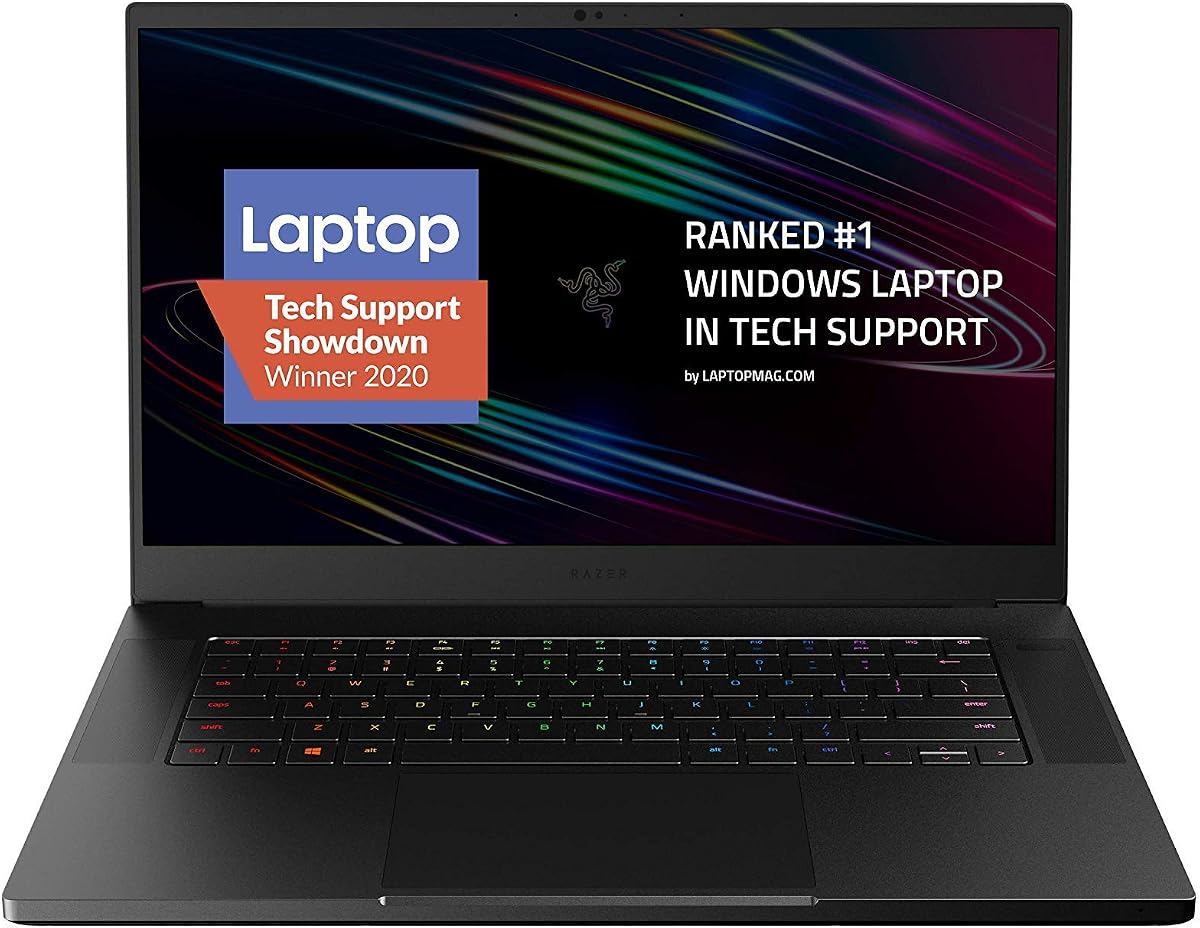
This Razer Blade is a favorite for users who want a premium feel with high performance. It has a 4.3 rating from users who appreciate its build quality and speed.
We may earn a commission when you buy through this link, at no additional cost to you.
The 300Hz screen provides incredibly smooth visuals for navigating 3D models. The CNC aluminum body feels durable and professional in any office setting.
While it is an older model, the raw power is still sufficient for most tasks. However, the high price tag may not be worth it compared to newer options.
It is best for professionals who value aesthetics and portability over the latest specs. The compact design makes it easier to carry than larger 17-inch laptops.
The all-aluminum unibody construction provides excellent rigidity and a premium look.
A 300Hz display minimizes motion blur when panning around complex assemblies.
We may earn a commission when you buy through this link, at no additional cost to you.
The ASUS TUF series is known for toughness and this model fits well for engineering work. It holds a 4.5 rating due to its reliable performance under daily stress.
We may earn a commission when you buy through this link, at no additional cost to you.
The GTX 1650 is enough for modeling but may struggle with very heavy rendering. The 144Hz display ensures that your cursor movement feels smooth and responsive.
The chassis meets military standards which means it can handle bumps in a backpack. You might need to upgrade RAM later for very large projects though.
This is a great choice for students who need a durable machine at a reasonable cost. It offers a solid entry point into serious CAD tasks without overspending.
MIL-STD-810G certification ensures the device can withstand rough handling during travel.
The 144Hz refresh rate helps keep the interface feeling snappy during rotations.
We may earn a commission when you buy through this link, at no additional cost to you.
This HP X360 offers a flexible design that allows you to sketch directly on the screen. It has a 3.6 rating as a budget friendly device for basic computing tasks.
We may earn a commission when you buy through this link, at no additional cost to you.
The 11.6-inch screen is compact but may feel small for complex interface layouts. It is suitable for light browsing or reviewing designs rather than heavy creation.
With only 128GB of storage, you will need to use cloud services for files. The touchscreen adds value if you prefer drawing concepts with a stylus.
Consider this if you need a secondary device for note taking during meetings. It is not powerful enough for heavy simulations but works for light tasks.
The 360-degree hinge lets you use the device in tent or stand modes.
Touch support makes navigating menus faster for users who prefer fingers.
We may earn a commission when you buy through this link, at no additional cost to you.
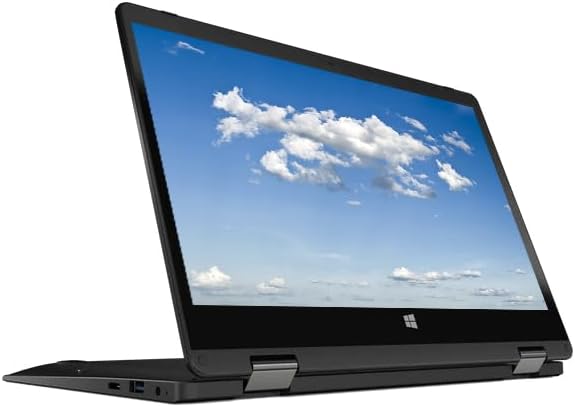
This Acer Gateway provides a simple touch experience for users who do not need heavy processing. It has a 3.1 rating primarily for basic use cases and portability.
We may earn a commission when you buy through this link, at no additional cost to you.
The IPS screen offers better viewing angles than standard TN panels found on cheap laptops. The 360-degree rotation allows you to switch between laptop and tablet modes easily.
With only 4GB of RAM, multitasking is limited to a few browser tabs. It is not suitable for professional work but works for checking emails or docs.
Use this as a companion device for quick tasks while on the go. It is best for casual use rather than demanding engineering applications.
IPS technology ensures colors remain consistent when viewed from side angles.
You can fold the screen back completely to turn it into a slate.
We may earn a commission when you buy through this link, at no additional cost to you.
This HP Chromebook stands out with a 4.9 rating for reliability and general usability. It is designed for everyday tasks but can support web-based design tools effectively.
We may earn a commission when you buy through this link, at no additional cost to you.
The 14-inch FHD screen provides sharp text which is good for reading documents. The 8GB RAM ensures that you can keep multiple apps open without lag.
While it cannot run desktop Fusion 360 natively, it works well with cloud alternatives. The UFS storage is faster than standard eMMC which speeds up app loading.
Ideal for students who need a reliable device for research and light design. It balances portability and performance well for non-intense workflows.
A full high definition screen makes text sharp and easy to read for hours.
UFS technology provides quicker access to files compared to older drive types.
We may earn a commission when you buy through this link, at no additional cost to you.
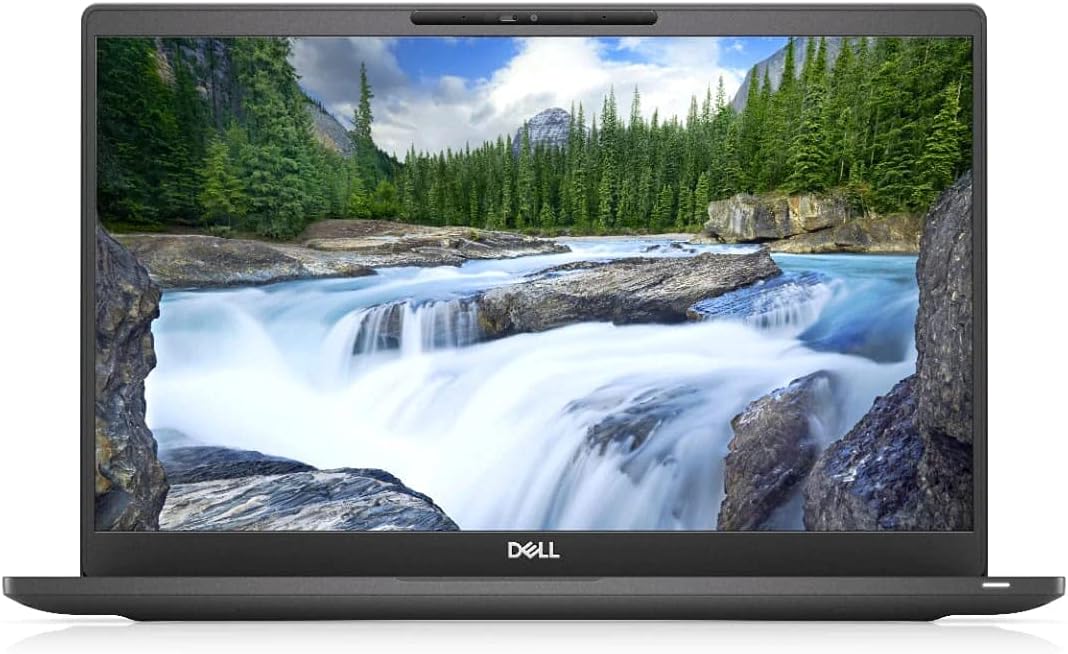
The Dell Latitude is a strong candidate for office use with its high RAM amount. It holds a 4.0 rating among business users who value stability over gaming specs.
We may earn a commission when you buy through this link, at no additional cost to you.
Having 32GB of RAM allows you to run many applications simultaneously without slowdown. The 14-inch FHD screen is sharp enough for detailed interface work.
It lacks a dedicated graphics card which limits its ability for heavy 3D rendering. However, for modeling tasks it remains stable and responsive enough.
Choose this for a professional setup where compatibility with business tools is key. It is a solid choice for corporate environments requiring Windows 11 Pro.
Built for enterprise use the Latitude series offers robust build quality.
Thirty-two gigabytes of memory ensures you can handle large datasets easily.
We may earn a commission when you buy through this link, at no additional cost to you.
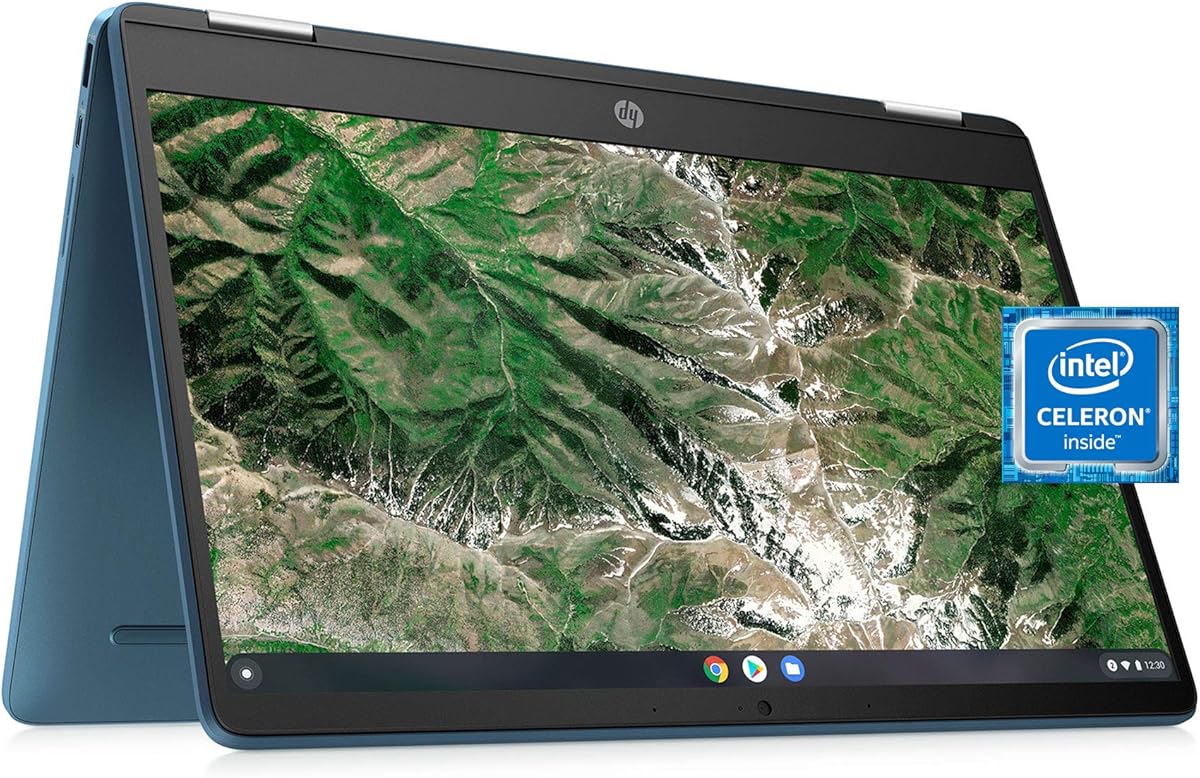
This HP Chromebook is a basic device for users needing minimal power for tasks. It has a 4.4 rating for general reliability but is not meant for heavy apps.
We may earn a commission when you buy through this link, at no additional cost to you.
The touchscreen helps with navigation but the Celeron processor is not strong for design. It works well for reading manuals or watching instructional videos instead.
The 64GB storage is very small so you must rely on cloud storage for files. It is a budget friendly option for those who already have a main machine.
Best used for quick notes or presentations where mobility is the top priority. It serves as a lightweight companion for checking designs remotely.
The Celeron chip handles web browsing smoothly but struggles with complex software.
You can flip the screen to share content with people sitting next to you.
We may earn a commission when you buy through this link, at no additional cost to you.
Selecting the right hardware requires balancing performance needs with budget and portability constraints. Below are key factors to consider before making your final decision.
A multi-core processor is essential for handling simulations and rendering tasks efficiently. Look for at least an Intel i5 or equivalent with four or more cores to ensure smooth operation.
Prioritize CPUs with high clock speeds to reduce wait times during complex calculations.
Dedicated GPUs like NVIDIA RTX models accelerate viewport performance and rendering significantly. Integrated graphics may struggle with large assemblies or detailed textures.
A dedicated graphics card ensures that your 3D models rotate and render without lag.
RAM is critical for keeping multiple design files open without system slowdowns. Aim for 16GB or more to handle multitasking during long work sessions.
More memory allows you to run simulations and CAD software simultaneously without freezing.
Solid State Drives are a must for fast boot times and quick file access. Larger capacity drives help you store projects locally without needing external hardware.
An SSD ensures that your software loads quickly and saves data instantly.
A Full HD resolution screen is necessary to see detailed designs clearly. Larger screens provide more workspace for toolbars and design windows.
High resolution displays prevent eye strain during extended design sessions.
Portability matters if you work from different locations or attend meetings on site. Battery life should last at least a few hours of light use.
Choose a weight that you can comfortably carry for long periods.
Ensure the device supports the version of Fusion 360 you need to run. Some cloud apps work better on ChromeOS while full desktop apps require Windows.
Check system requirements to confirm your chosen OS is fully supported.
A sturdy chassis is important if you travel with your device frequently. Look for materials like aluminum or reinforced plastics that can handle daily wear.
Durable builds protect your investment from accidental bumps and drops.
Keep your cooling vents clear from dust to maintain peak performance during heavy rendering. Use a soft brush or compressed air to clean the fans periodically.
Avoid letting your battery drain completely too often to extend its overall lifespan. Charge your device regularly when not in use.
Regularly update your drivers and operating system to ensure compatibility with the latest software patches. This helps prevent crashes and security issues.
While it is possible to run the software on integrated graphics, a dedicated GPU significantly improves performance. It helps with complex assemblies and rendering tasks.
At least 16GB of RAM is recommended for general use. Professionals working with large files should consider 32GB or more for smoother multitasking.
Fusion 360 is a Windows and macOS application so it does not run natively on Chromebooks. You may use web based alternatives or remote desktop access.
High refresh rates like 144Hz provide smoother visuals but are not strictly necessary for CAD. Standard 60Hz screens are sufficient for most modeling tasks.
Yes, SSDs are much faster than traditional hard drives for loading software and files. They reduce wait times and improve overall system responsiveness.
Fifteen to sixteen inches offer a balance between workspace and portability. Thirteen to fourteen inch models are lighter but may feel cramped for complex projects.
MacBooks with Apple Silicon chips perform well with Fusion 360 on macOS. They offer excellent battery life and display quality for design work.
Use a cooling pad or elevate the back of the laptop to improve airflow. Avoid using the device on soft surfaces like beds that block vents.
We have reviewed ten laptops that cover a wide range of needs from budget friendly to high end performance. Each option offers unique strengths for different types of design and engineering workflows.
When deciding consider what matters most to you such as portability or raw rendering speed. Prioritize specs that match your typical project size and complexity.
Prices and availability change often so be sure to check current offers before buying. This guide will remain updated to reflect the latest market options.