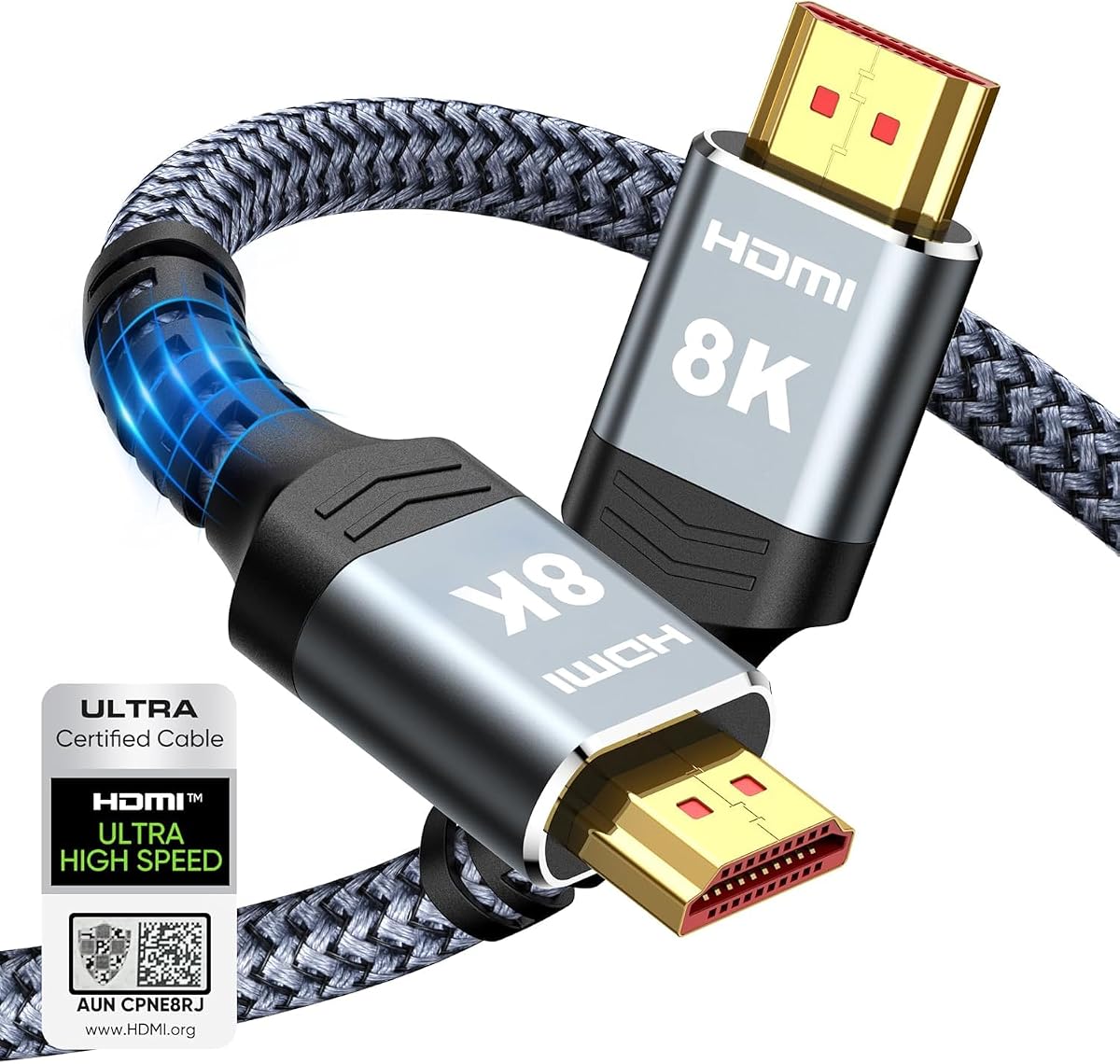
Highwings 8K HDMI 2.1 Cable
4.7Editor score
8K@60HZ support
48Gbps data transfer
Reinforced anti-bending design
Backward compatible with HDMI 1.1
Compare the top 10 HDMI cables for Oculus Rift setups focusing on speed and compatibility to ensure seamless VR streaming without lag or signal loss.
Finding the right HDMI cable for your Oculus Rift setup is crucial for maintaining high fidelity visual performance and reducing input lag. A quality cable ensures that every frame renders correctly on your headset without dropping packets or causing flickering issues during intense gaming sessions.
We have analyzed ten top-rated HDMI cables available on the market to determine which ones offer the best value and performance for virtual reality enthusiasts. Our comparison focuses on bandwidth capacity, durability, connector quality, and compatibility with the latest graphics standards required for smooth VR operation.
Each pick in this guide highlights specific strengths such as gaming features, build quality, or budget-friendly pricing to help you make an informed decision. Please note that prices and availability change frequently so you should check the current listings before finalizing your purchase to ensure you get the best deal.
4.7Editor score

4.8Editor score

4.5Editor score
This side-by-side comparison highlights the key specifications and features of the ten selected HDMI cables to help you identify the right fit for your specific Oculus Rift configuration and display requirements.

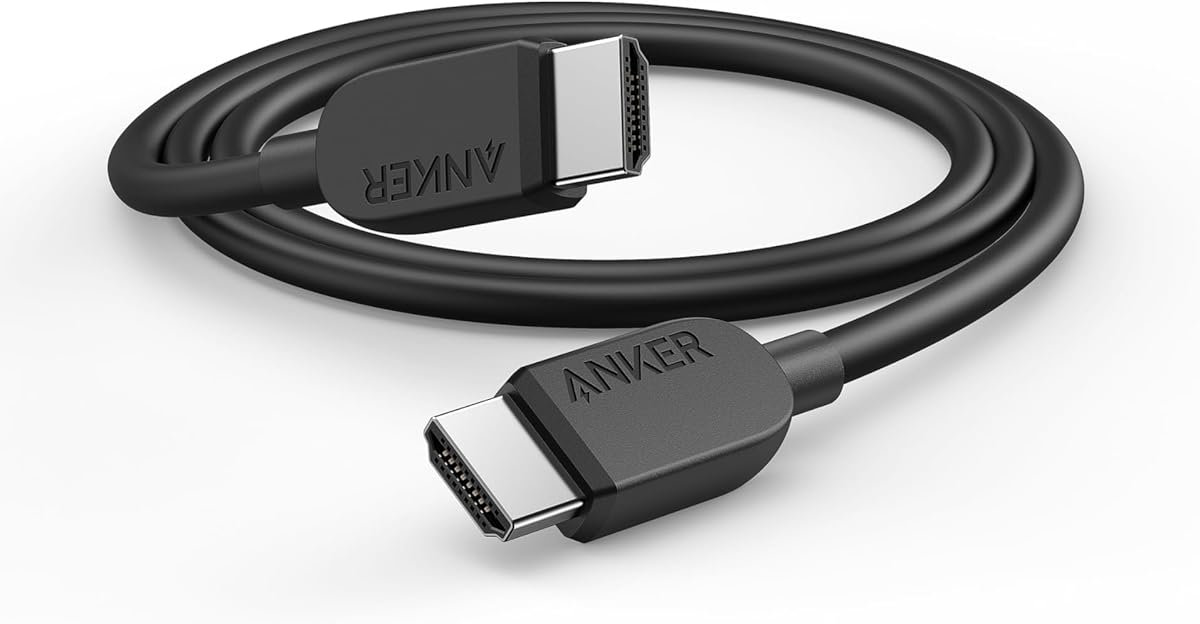


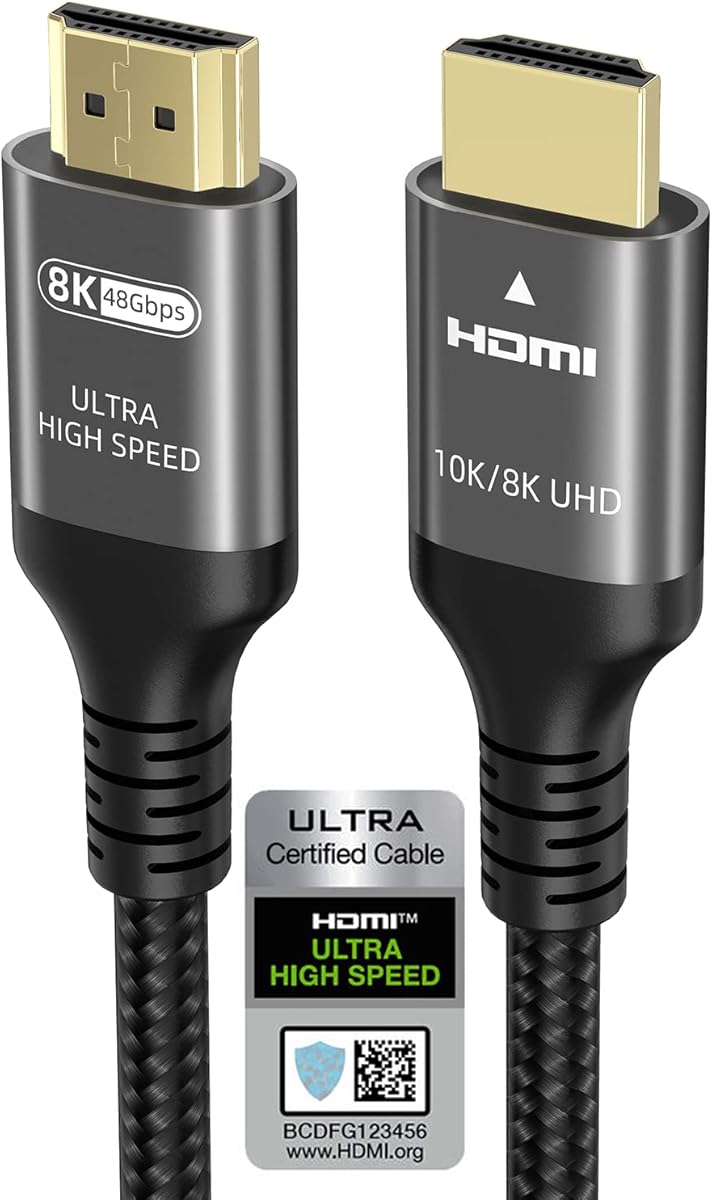


The UGREEN 8K HDMI 2.1 Cable stands out as the top recommendation for Oculus Rift users who demand reliable performance. With a high rating of 4.8 stars it delivers consistent connectivity that ensures your VR headset operates without interruption.
We may earn a commission when you buy through this link, at no additional cost to you.
This cable supports up to 48Gbps bandwidth which is essential for transmitting high-resolution video and audio data efficiently. Its robust construction includes a durable nylon braided jacket that protects against wear and tear in active gaming environments.
While the price is slightly higher than budget options the reliability and certification make it worth the investment. Users benefit from features like Dynamic HDR and eARC which enhance both visual and auditory aspects of your virtual reality experience.
If you are looking for a high-quality HDMI solution that supports the latest VR requirements this cable is an excellent choice. It balances performance and durability effectively making it the ideal pick for serious enthusiasts.
The 48Gbps bandwidth ensures that high frame rate content transfers without bottlenecks which is critical for VR motion tracking.
The nylon braided design resists tangling and physical damage extending the cable lifespan in busy entertainment centers.
We may earn a commission when you buy through this link, at no additional cost to you.
The Highwings 8K HDMI 2.1 Cable offers exceptional value for those seeking high performance without breaking the bank. It maintains a solid 4.7 rating from users who appreciate its blend of features and affordability.
We may earn a commission when you buy through this link, at no additional cost to you.
This cable supports 8K@60HZ and 48Gbps speeds which are more than sufficient for current VR headsets and display setups. The anti-bending design adds durability ensuring that it can withstand frequent plugging and unplugging during use.
While it may not have the most premium finish the core functionality is reliable and robust. It supports backward compatibility with older standards which makes it a versatile choice for various device combinations.
For budget-conscious gamers who still want top-tier specifications this cable is a fantastic option. It delivers the necessary speed and resolution support to keep your Oculus Rift running smoothly.
You get certified 48Gbps performance at a fraction of the cost of premium brands making high-end VR accessible to more users.
Backward compatibility ensures you can use this cable with older devices without needing to replace your existing hardware setup.
We may earn a commission when you buy through this link, at no additional cost to you.
The Highwings Long HDMI Cable 15 FT is designed for setups where distance between the PC and display is a concern. It holds a 4.5 rating and is perfect for users who need to run cables through walls or across rooms.
We may earn a commission when you buy through this link, at no additional cost to you.
With support for 48Gbps speeds and in-wall CL3 rating it offers both performance and safety compliance for permanent installations. This makes it a top choice for dedicated VR gaming rooms where clutter must be minimized.
The longer length can make the cable slightly heavier but the flexibility is maintained for easy routing. The lifetime support adds peace of mind knowing that customer service is available if any issues arise during setup.
If you require a long reach without sacrificing signal quality this cable is the ideal solution. It ensures that your Oculus Rift stays connected even when the source device is far away.
The CL3 rating allows you to safely run the cable inside walls without fire hazard concerns ensuring a clean setup.
Fifteen feet of length gives you plenty of room to position your console away from the display for better air circulation.
We may earn a commission when you buy through this link, at no additional cost to you.
The Silkland Certified HDMI 2.1 Cable is notable for its official certification which provides confidence in its performance claims. It maintains a strong 4.7 rating from users who value verified standards over generic marketing.
We may earn a commission when you buy through this link, at no additional cost to you.
Features like dynamic HDR and support for 120Hz gaming make it well-suited for VR applications that require high refresh rates. The double-layer fishnet winding adds significant durability protecting the internal cores from physical stress.
While the length is standard at 6.6 feet the quality of the connection is robust. It supports advanced audio formats which enhances the immersive experience of your virtual reality sessions significantly.
Choosing a certified cable ensures that you are not compromising on signal integrity. This product delivers the necessary features for high-end gaming without unexpected connectivity issues.
The QR code verification allows you to confirm the cable meets strict HDMI standards ensuring reliable compatibility with your devices.
Enhanced audio return channel support brings high quality sound to your setup which is crucial for realistic VR environments.
We may earn a commission when you buy through this link, at no additional cost to you.
The Anker HDMI 2.1 Cable is a reliable option from a well-known manufacturer that prioritizes quality and durability. It holds a 4.7 rating and is favored by users who want a trustworthy connection for their VR gear.
We may earn a commission when you buy through this link, at no additional cost to you.
This cable is designed to withstand up to 1,000 bends which is excellent for setups where cables are moved or adjusted frequently. It supports 48Gbps bandwidth ensuring that video transfer is swift and uninterrupted during use.
The shorter 6 ft length might be a limitation for some but it is ideal for compact setups close to the display. The quick and seamless video transfer feature ensures that you spend less time troubleshooting and more time gaming.
If brand reputation and build quality are your main concerns this cable offers a safe and efficient choice. It provides the performance needed for Oculus Rift systems with minimal risk of failure.
The 1000 bend lifespan means you can flex the cable during cable management without worrying about internal wire fatigue.
Swift connectivity ensures that large video files or high resolution streams move without lag keeping your VR experience smooth.
We may earn a commission when you buy through this link, at no additional cost to you.
The Highwings 8K HDMI 2-Pack offers great value for users who need more than one cable for their setup. With a 4.7 rating it ensures that you can connect multiple devices without needing separate purchases.
We may earn a commission when you buy through this link, at no additional cost to you.
These cables support 48Gbps bandwidth and variable refresh rate which is crucial for smooth gaming performance. The upgraded aluminum alloy shell provides strong protection against physical damage during daily use.
While the pack provides convenience you should still verify the specific certification of the individual cables if strict compliance is needed. The performance remains high for VR applications ensuring that your headset receives clear signals.
Having a spare cable on hand is always beneficial for troubleshooting or switching between consoles. This pack ensures you are prepared for any connectivity needs in your entertainment space.
Buying a two-pack often saves money compared to buying individual cables and ensures you have a backup ready to use.
Variable refresh rate support helps eliminate screen tearing providing a smoother visual experience for fast-paced games.
We may earn a commission when you buy through this link, at no additional cost to you.
The Acer HDMI 2.1 Cable is a solid choice for users who prefer accessories from established hardware brands. It has a 4.7 rating and delivers consistent performance for both gaming and entertainment applications.
We may earn a commission when you buy through this link, at no additional cost to you.
This cable supports 48Gbps speeds and Variable Refresh Rate which helps reduce screen tearing during intense VR sessions. The braided design adds strength and protects against environmental factors like dust and bending.
It is backward compatible with older HDMI versions ensuring that it works with existing equipment without issues. The plug and play nature means you can set it up quickly without complex configuration steps.
If you are building a cohesive setup with Acer hardware this cable is a logical choice. It balances cost and performance well providing a reliable link for your Oculus Rift connection.
VRR support synchronizes the refresh rate with the frame rate minimizing visual artifacts that disrupt immersion.
Plug and play functionality ensures that users can connect their devices immediately without needing drivers or software.
We may earn a commission when you buy through this link, at no additional cost to you.
The Ubluker 10K 8K HDMI Cable is designed for users looking to future proof their setup against high resolution displays. It has a 4.7 rating and supports up to 10K resolution which is rare in this price range.
We may earn a commission when you buy through this link, at no additional cost to you.
This cable features official HDMI certification ensuring compliance with strict standards. It supports a wide range of audio formats which is beneficial for creating an immersive audio environment around your headset.
Low EMI and deep color accuracy ensure that the visual output remains clean and vibrant. The 48Gbps bandwidth handles the data requirements for high refresh rates efficiently.
If you want a cable that can support next gen displays this is a strong candidate. It provides the bandwidth and resolution headroom needed for advanced VR applications.
Support for 10K ensures that even if you upgrade your display the cable will still support the higher resolution demands.
Support for Dolby TrueHD and Atmos means your audio setup will deliver surround sound effectively for VR.
We may earn a commission when you buy through this link, at no additional cost to you.
The 16K HDMI 2.2 Cable offers the highest bandwidth in this comparison with 96Gbps speeds. It holds an impressive 4.9 rating from users who value top-tier technical specifications.
We may earn a commission when you buy through this link, at no additional cost to you.
This cable supports resolutions up to 16K and refresh rates up to 480Hz ensuring that no future device will exceed its limits. The exclusive E-Braid technology provides exceptional durability and signal stability.
While it is a premium option the performance is unmatched for those who want to be on the edge of technology. It eliminates concerns about signal attenuation ensuring a perfect picture on your display.
If you want the absolute fastest connection available this is the one to choose. It ensures that your VR setup will never be bottlenecked by the cable performance.
96Gbps bandwidth allows for uncompressed video transfer which maintains image integrity even over long distances.
HDMI 2.2 compliance ensures support for new features that will become standard in upcoming gaming hardware.
We may earn a commission when you buy through this link, at no additional cost to you.
The BlueRigger 8K HDMI 15 FT provides a long reach solution backed by a lifetime warranty. It has a 4.7 rating and is ideal for users who need to connect devices over significant distances.
We may earn a commission when you buy through this link, at no additional cost to you.
This cable supports 48Gbps bandwidth and has a lifespan of over 25,000 bends. The 24K gold plated connectors resist corrosion ensuring that the connection remains stable over many years of use.
The lifetime warranty adds significant value as it protects your purchase against defects. US based customer support ensures that any issues are resolved quickly and effectively.
If you need a reliable long cable that is protected by a warranty this is a strong option. It ensures that your VR setup remains connected reliably for the long term.
The lifetime warranty means you will never need to replace this cable due to manufacturing defects saving money over time.
The design ensures that signal strength does not degrade significantly over the 15 foot length maintaining high quality.
We may earn a commission when you buy through this link, at no additional cost to you.
Selecting the right HDMI cable requires understanding several technical factors that directly impact your VR experience. This guide breaks down the essential features to look for to ensure optimal performance.
Bandwidth determines how much data can be transmitted from your PC to the display. For high refresh rate VR you need at least 48Gbps to avoid stuttering or resolution drops during fast motion.
Look for cables labeled as Ultra High Speed which guarantee the necessary throughput for 4K or higher resolutions at high refresh rates.
HDMI 2.1 is the current standard for high performance gaming and VR. It supports features like Variable Refresh Rate and Auto Low Latency Mode which are critical for reducing input lag.
Ensure the cable explicitly mentions HDMI 2.1 certification to avoid confusion with older versions that may not support the full bandwidth.
The physical length of the cable should match the distance between your PC and your headset or display. Too short can cause tension and too long can create clutter.
Consider your room layout carefully and choose a length that allows for a clean setup without excessive slack.
VR setups often involve moving around which can put strain on cables. Look for braided nylon jackets and reinforced connectors to prevent fraying or bending damage.
Check the bend life rating of the cable to ensure it can withstand frequent movement without failing internally.
While audio is often routed through a separate headset having eARC support on the cable ensures that high quality audio can be transmitted if needed for your system.
This feature is useful if you use a sound system alongside your VR headset for a richer overall experience.
Certified cables have been tested to meet official HDMI standards. This ensures that the bandwidth claims are accurate and that the cable will work reliably with all devices.
Avoid unbranded or uncertified cables as they may fail under high load and cause signal loss during critical moments.
A good warranty indicates confidence in the product quality. Lifetime warranties are common for high end cables and protect you from replacement costs.
Choose brands with responsive customer support in case you encounter any compatibility or performance issues.
Gold plated connectors resist corrosion and ensure a stable connection over time. This is particularly important in humid environments or when cables are frequently swapped.
Aluminum alloy shells also help shield the internal wires from electromagnetic interference which keeps the signal clean.
To ensure optimal performance connect the cable directly from your graphics card output to your display or headset interface. Avoid using HDMI splitters or adapters unless necessary as they can introduce latency or signal loss.
When routing the cable avoid sharp bends or kinks that can damage the internal wiring. If you need to hide the cable use a raceway or in-wall kit that maintains a gentle curve.
Regularly inspect the connectors for dust or debris and wipe them with a dry cloth to prevent connection issues. This simple maintenance step can extend the lifespan of your cable significantly.
The Oculus Rift S uses a USB 3.0 and DisplayPort connection rather than HDMI so a standard HDMI cable will not work directly. You would need an adapter to convert DisplayPort to HDMI if your display requires it.
For most VR headsets HDMI 2.0 with 18Gbps is sufficient but HDMI 2.1 with 48Gbps is recommended for future proofing and smoother high refresh rate performance. It ensures that you can handle higher resolution content.
Longer cables can sometimes experience signal degradation if they are not high quality. Ensure the cable is rated for Ultra High Speed to maintain signal integrity over distances longer than 10 feet.
Yes HDMI 2.1 supports higher refresh rates and Variable Refresh Rate which reduce screen tearing and improve visual fluidity. It is a worthwhile investment for any serious gaming setup.
Gold plated connectors are more resistant to corrosion which helps maintain a stable connection over time. They are beneficial for high end setups but not strictly necessary for short term use.
Yes most modern HDMI cables are compatible with TVs that support HDMI 2.0 or higher. Just ensure the TV input is set to the correct port to receive the signal.
Certified cables often come with a holographic seal or a QR code that you can scan to verify authenticity. Always check the product description for official certification logos before purchasing.
HDMI is more common for TVs and consoles while DisplayPort is more common for PC monitors. For Oculus Rift you may need to use the correct port provided by the headset or use an adapter.
Choosing the right HDMI cable is a critical step in setting up a high performance VR environment. The UGREEN 8K HDMI 2.1 Cable offers the best balance of performance and reliability for most users.
If budget is a concern the Highwings 8K HDMI 2.1 Cable provides excellent value without sacrificing essential features. For long runs the Highwings 15 FT Long Cable is the clear winner.
Remember to check current prices and availability before purchasing as these can fluctuate frequently. Prioritizing bandwidth and durability will ensure that your VR sessions remain smooth and immersive for years.